Beta
Write and publish your own website from your own computer.
Screenshots
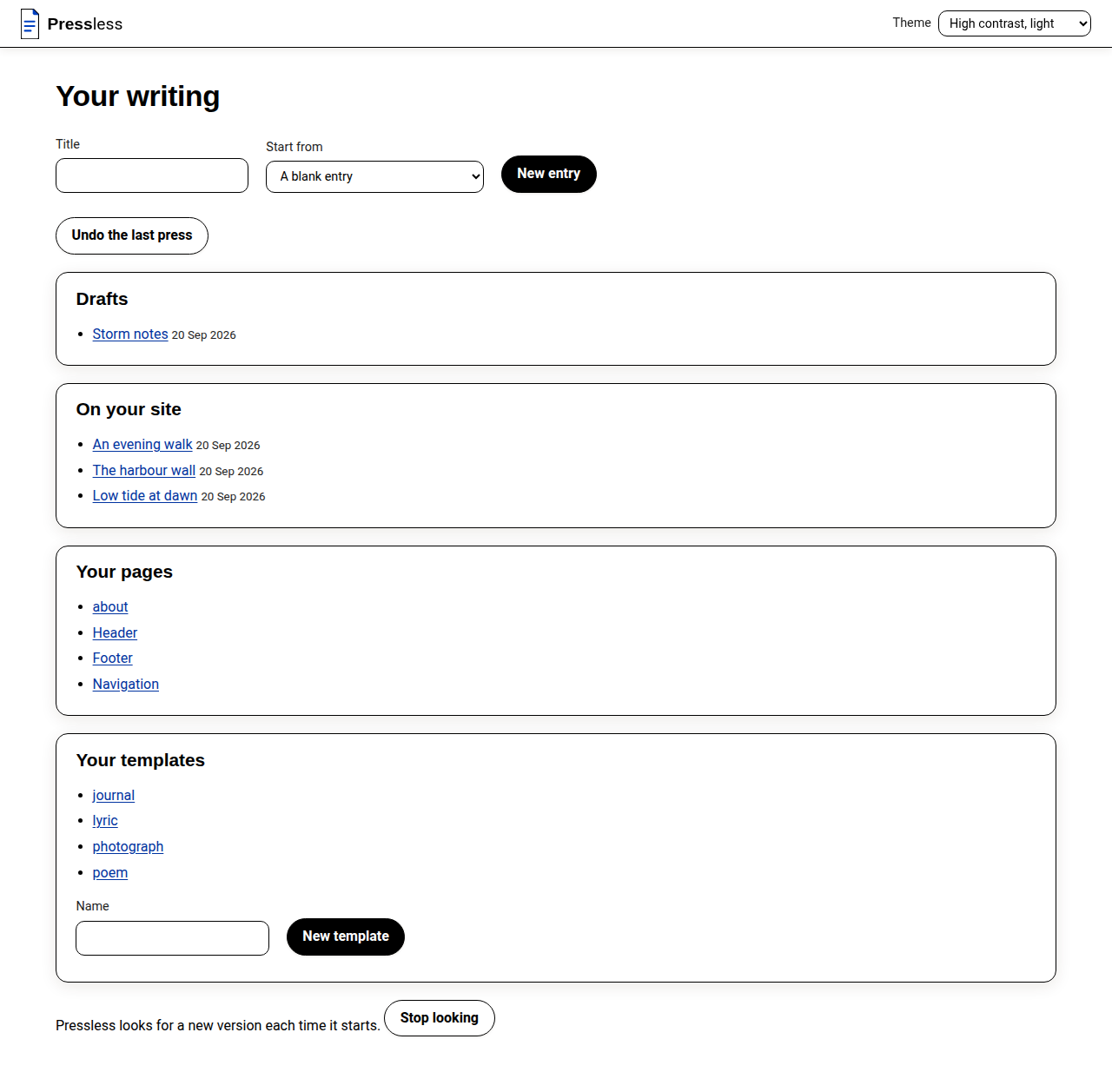
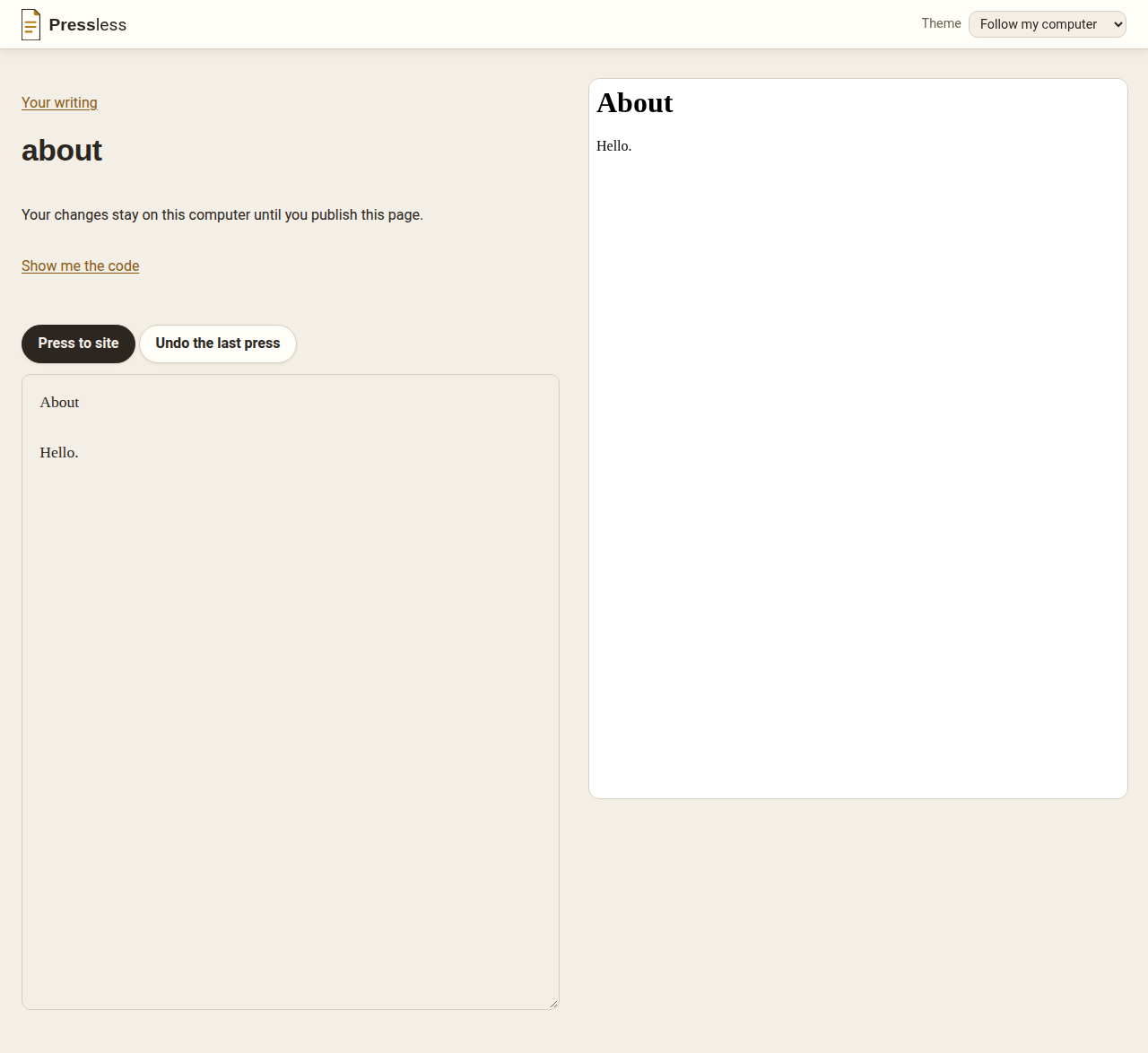
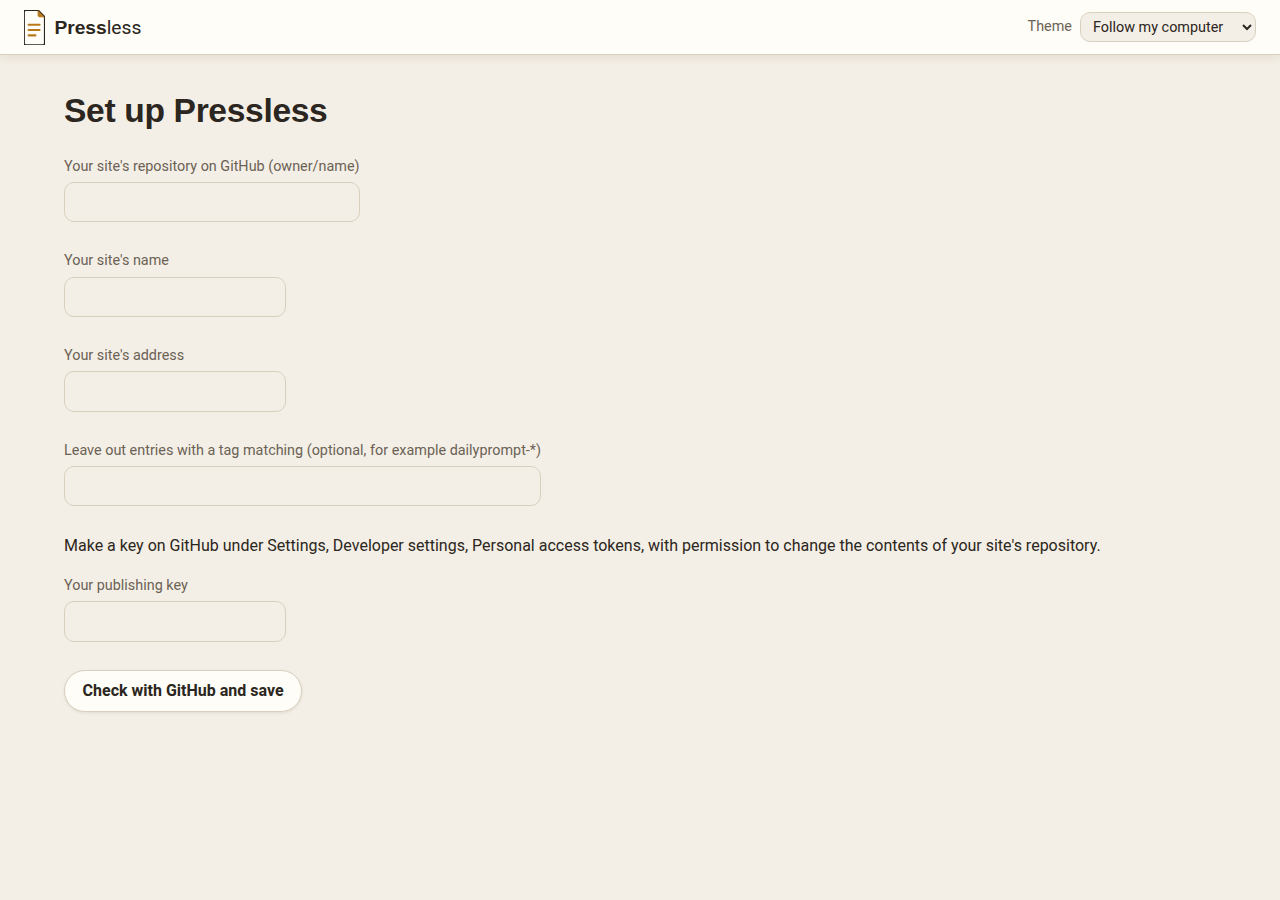
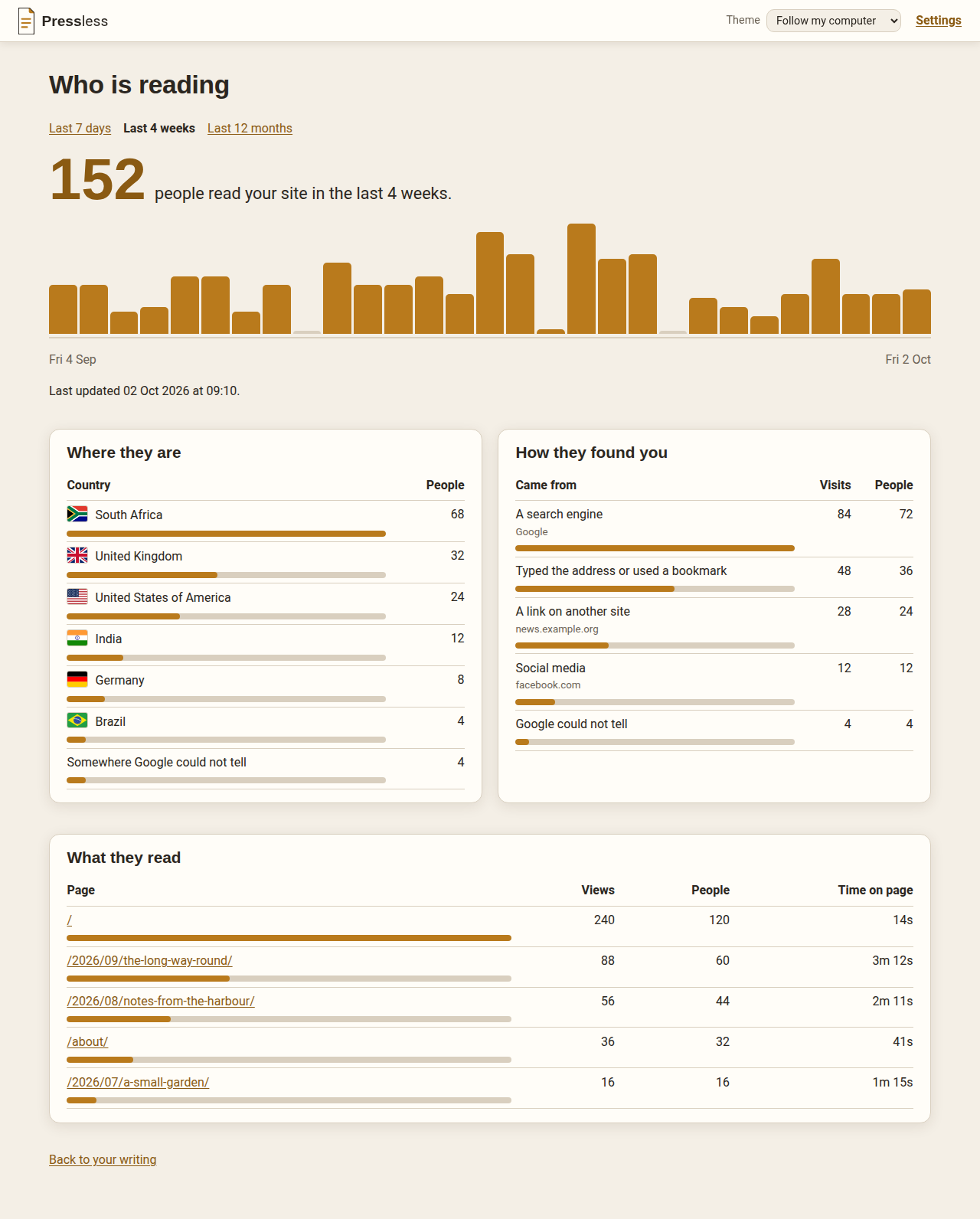
About Pressless
Most people who want a website of their own end up renting one. You pay a monthly fee, you write inside somebody else's box, and the box changes under you — a new editor, a new price, an advert beside your words. The free way out is to publish plain files to a hosting service like GitHub Pages, which costs nothing and is fast and reliable. The catch is that it expects you to be technical.
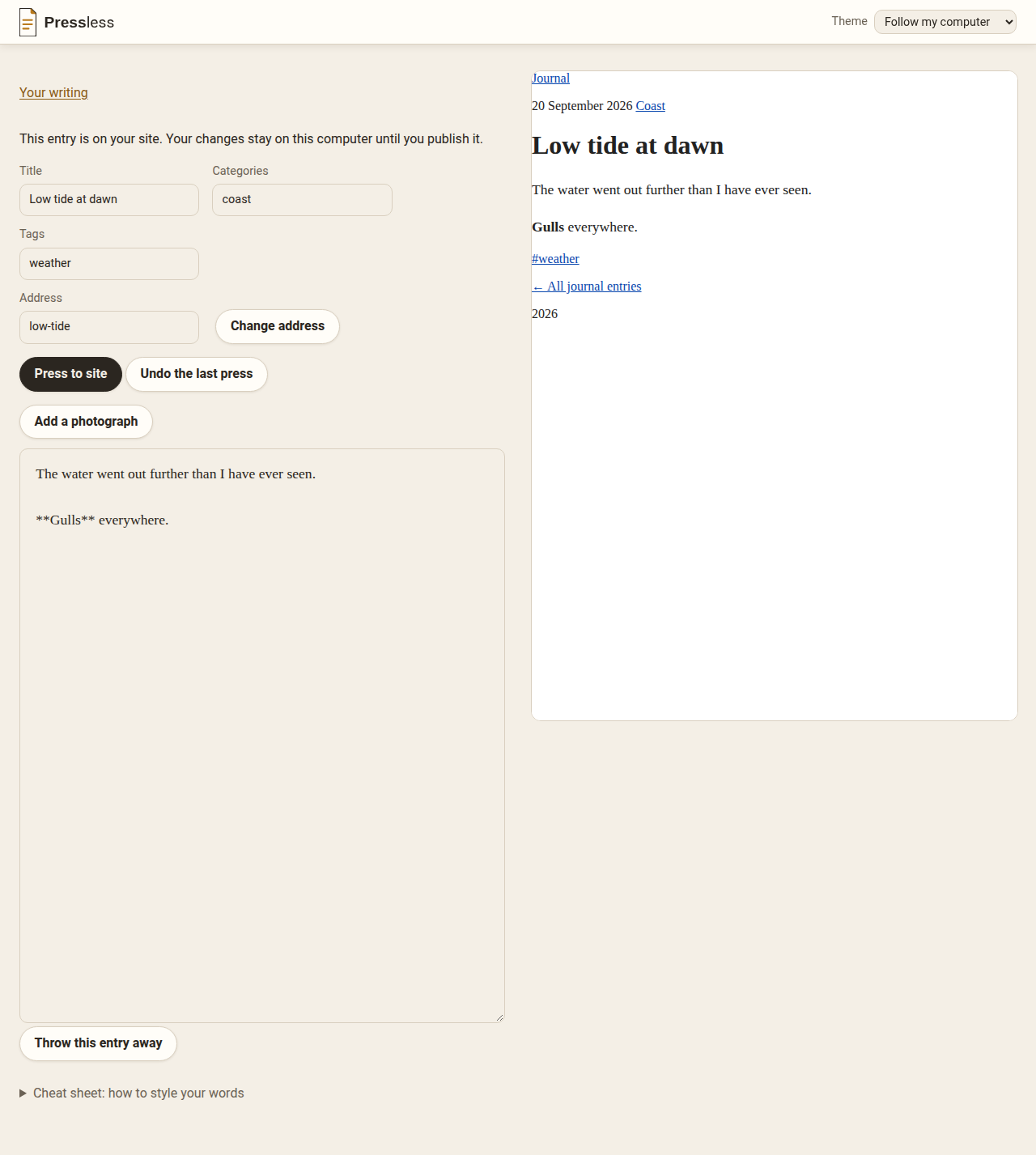
Pressless is that free route with the technical part taken away. It runs on your own computer and opens in your normal browser. You write an entry, watch it take shape as you type, and press one button to put it on your site.
Your writing stays yours
Every entry is an ordinary text file in an ordinary folder on your own machine. You can open one in Notepad. You can copy the folder to a memory stick. If you delete Pressless tomorrow, nothing you wrote goes with it — the files were never inside the app, and there is no export button because there is nothing to export from.
There is no Pressless account to make and no Pressless password to lose.
It is not a host
This matters more than it sounds. Pressless never talks to your visitors and is not reachable from the internet — it is a program on your desk, not a service. Your visitors are served by a hosting service that does that job properly. Pressless just hands it the finished pages.
Today that service is GitHub Pages, because it is free, fast and does not go away. Only the very last step knows which host it is talking to — everything before it builds a plain folder of pages, which is what every host of this kind wants — so others may well follow later.
What it does today
- Write with a handful of simple marks — bold, a heading, a link, a quotation — instead of buttons and hidden formatting. A cheat sheet sits below the writing box, with a page to print.
- Show you the real page while you type, rendered by the same code that builds the live site, so what you see is what gets published.
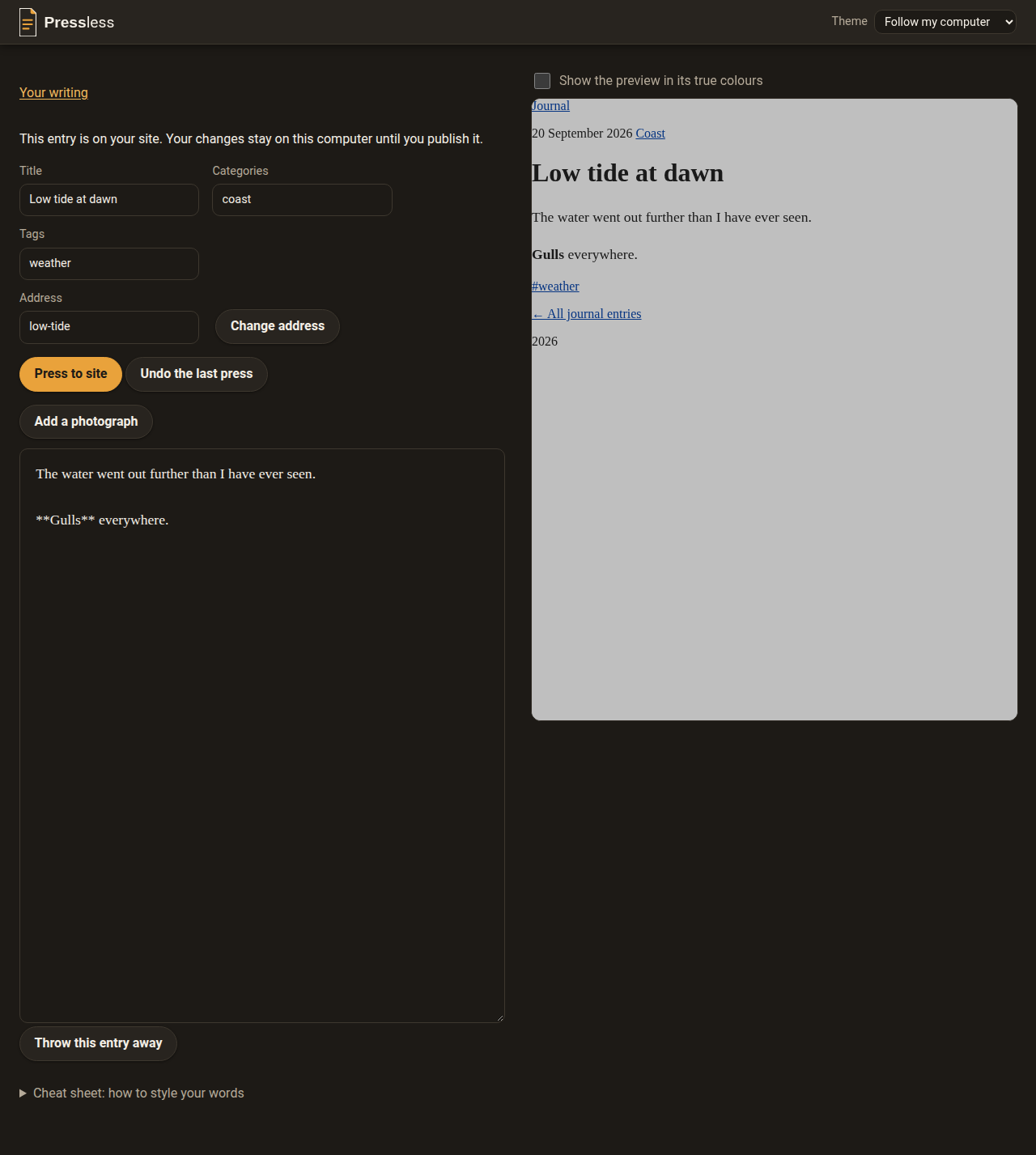
- Dim the preview in a dark look, so a bright site does not glare at night, with a tick box to see its true colours.
- Save as you go. Your words save themselves a moment after you stop typing. A change to an entry that is already live waits in a separate copy until you publish it.
- Publish in one press. If publishing fails, your files go back to how they were and you are told what to do next. Pressless refuses to replace your site with an empty one.
- Undo the last publish in one step, when a change turns out wrong.
- Add photographs from the editor. Pressless keeps your original untouched and puts the picture where you were typing.
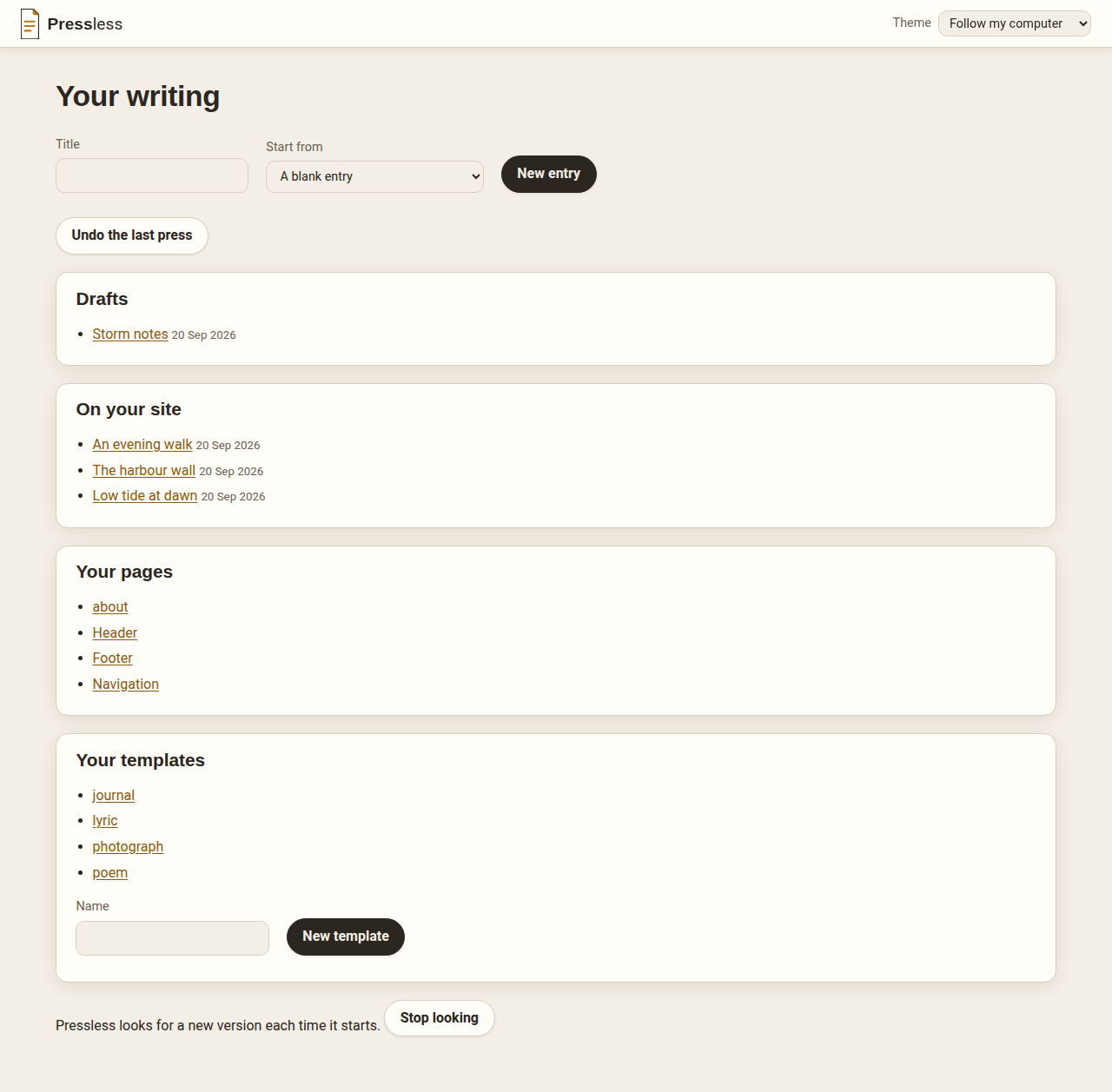
- Edit your other pages, such as an About page, and the site's header, footer and menu, in the same box.
- Start a new entry from a template.
- Change a published entry's address without breaking links people have shared: the old address sends readers on to the new one.
- Throw an entry away, after being asked first; Undo brings it back.
- Show a number that keeps itself up to date, such as the years since a date, worked out each time you publish.
- See who is reading. Connect Pressless to your Google Analytics once, and a "Who is reading" card appears at the top of your writing. Open it for the last 7 days, 4 weeks or 12 months: how many people read your site, each day's readers, which countries they are in, how they found you, and which pages they read most. If Google cannot be reached, it shows the last numbers it had and says how old they are. If you look after more than one site in Google Analytics, you can switch which one Pressless shows from Settings, without signing in to Google again.
- Update itself. It looks for a new version when it starts and installs only a release signed by its maintainer.
- Choose how Pressless looks from a picker in its top bar: light, dark, two high-contrast looks, and playful looks inspired by games, films and TV. Your choice is remembered.
- Explain every problem in plain words — what happened, what it means for your site, and what to do about it.
Still to come
- Run your whole site, not only your writing: build your own homepage, add and remove pages, change the site's colours, fonts and layout, and put music, downloads and documents on it, so Pressless can replace WordPress entirely.
- Bring in an existing WordPress blog, with an import anyone can run.
- A plain starter site for someone beginning from nothing.
- Offer to add Pressless to the Start Menu and the desktop the first time it opens.
Read the restShow less
Where it stands
It is an early beta, for Linux and Windows. On Linux, download the file and
run it. On Windows, download the zip, extract it, and double-click
Start Pressless.bat. There is nothing to install first — no Python, no
compiler, no command line.
Pressless keeps everything in a folder called Pressless-data, right beside
the program. So put the program where you want your writing to live before
you first start it.
The first time, it asks for your site's GitHub repository, your site's name and address, and a publishing key from GitHub. It checks them with GitHub before saving anything, and keeps the key where only your own computer account can read it. So you need a GitHub account and a GitHub Pages site before you begin.
If a console window (a plain text window) opens alongside the browser, leave it open while you work: closing it stops Pressless.
You cannot bring an existing blog in yet. You start with an empty site and write from there. An import from WordPress that anyone can run is planned.
What's new · v0.7.1 2 October 2026
Theme: he can see who is reading
Added
- Choose a different Google site without signing in again (PRESS-0206) Settings, Visitor numbers, now has a "Choose a different site" button. It lists your Google Analytics sites again using the permission Pressless already keeps, and nothing changes until you pick one.
Fixed
- Round buttons sit beside their names (PRESS-0201) When you pick your site for visitor numbers, each round button now sits to the left of the site's name, not centred on a line above it. Tick boxes line up the same way.