
One-click openSUSE updates from a single window.
How to install
- Linux: Make the file runnable: right-click it, open Properties, and allow it to run as a program, or run
chmod +x OneUp-x86_64.AppImage. Then double-click it.
Support OneUp
OneUp is free and open source. Donations pay for the time it takes to fix bugs, add features and keep it working as computers change. If it's useful to you, any amount helps.
Demo
Read what the video showsHide the description
A 40-second trailer for OneUp, with background music and soft clicks but no speech; everything it says is written on screen. It is styled like a computer terminal: green and white monospaced lettering over a dark background of faint scrolling text. It opens with "Updating openSUSE is five chores. Easy to forget one.", then the OneUp logo and "Every openSUSE update, one click". Four clips of the app follow, each with a caption below. OneUp's window lists five jobs, each with an on-off switch: System packages, Flatpak apps, Firmware, Leftover packages and Package cache. "See what needs updating": Check for updates is clicked, and System packages shows 24 available while Flatpak apps and Firmware show up to date. "Every package, old and new version": System packages opens into a list of package names, each with its current version, an arrow and its new version. "Pick which jobs to run": the Firmware and Leftover packages switches are turned off. "One click updates everything": Run selected updates is clicked, and a progress bar shows the 24 packages downloading and then installing, while System packages and Flatpak apps change to Done. Three lines follow: "System, Flatpak and firmware updates", "Clears leftovers and old downloads" and "Roll back in one click". Then "openSUSE Tumbleweed · Leap" and "Install with zypper, or run the AppImage". It ends on the logo with "Free and fully open source", "Download it free at antsprojectshub.co.za", and links to support the project on GitHub Sponsors, Patreon and Paybru. The updates shown are a replay of a real update with personal details removed.
Screenshots
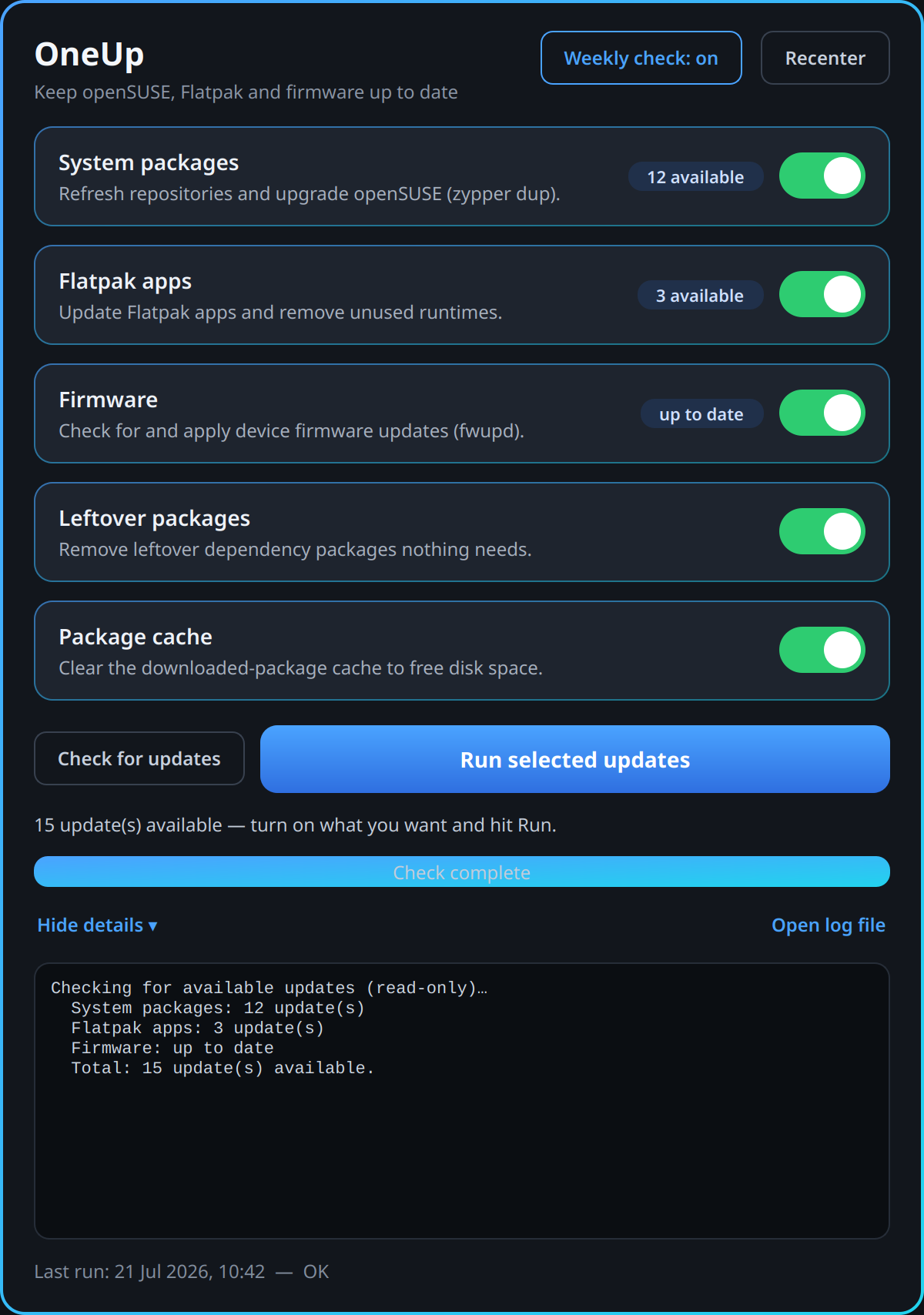
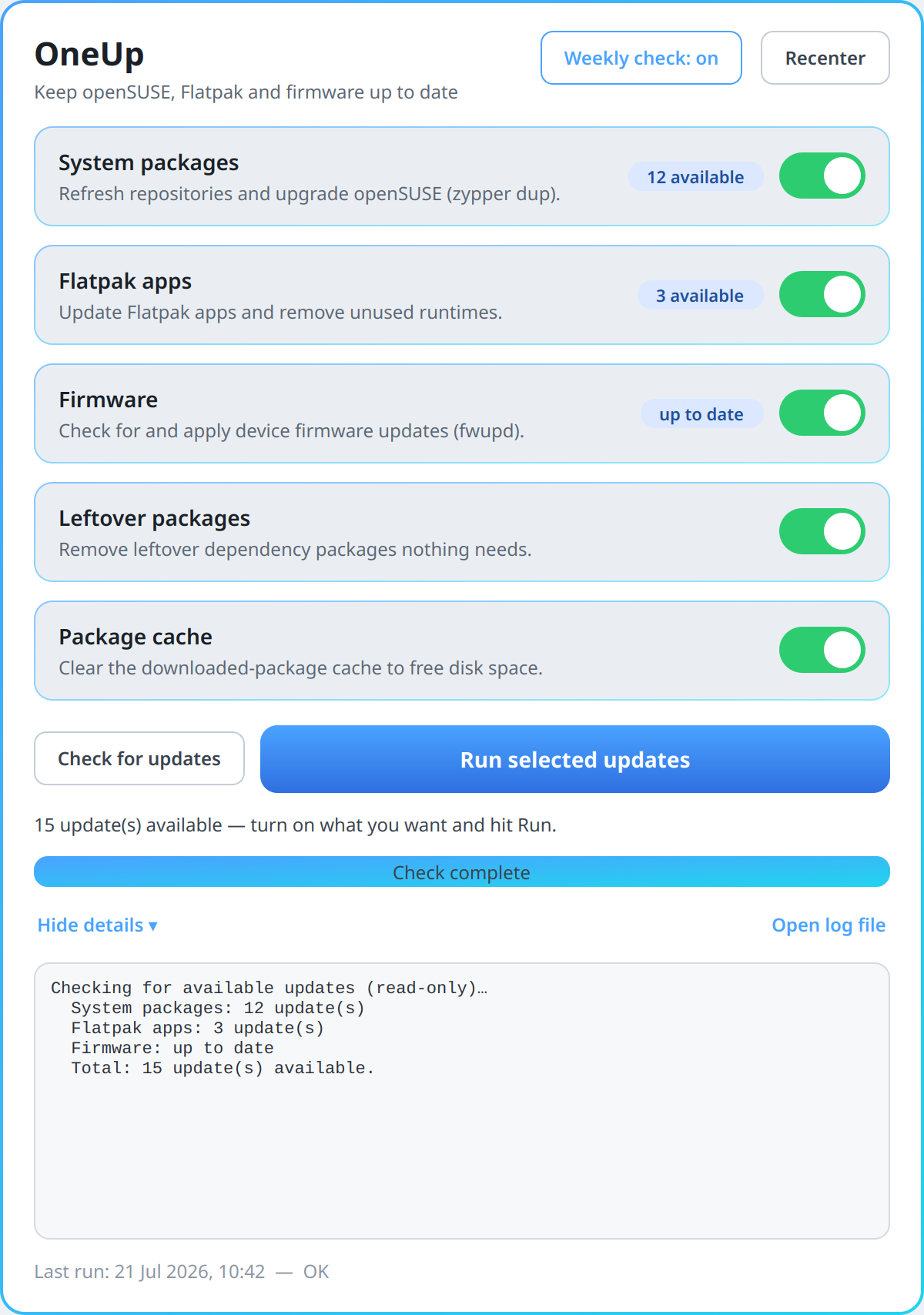
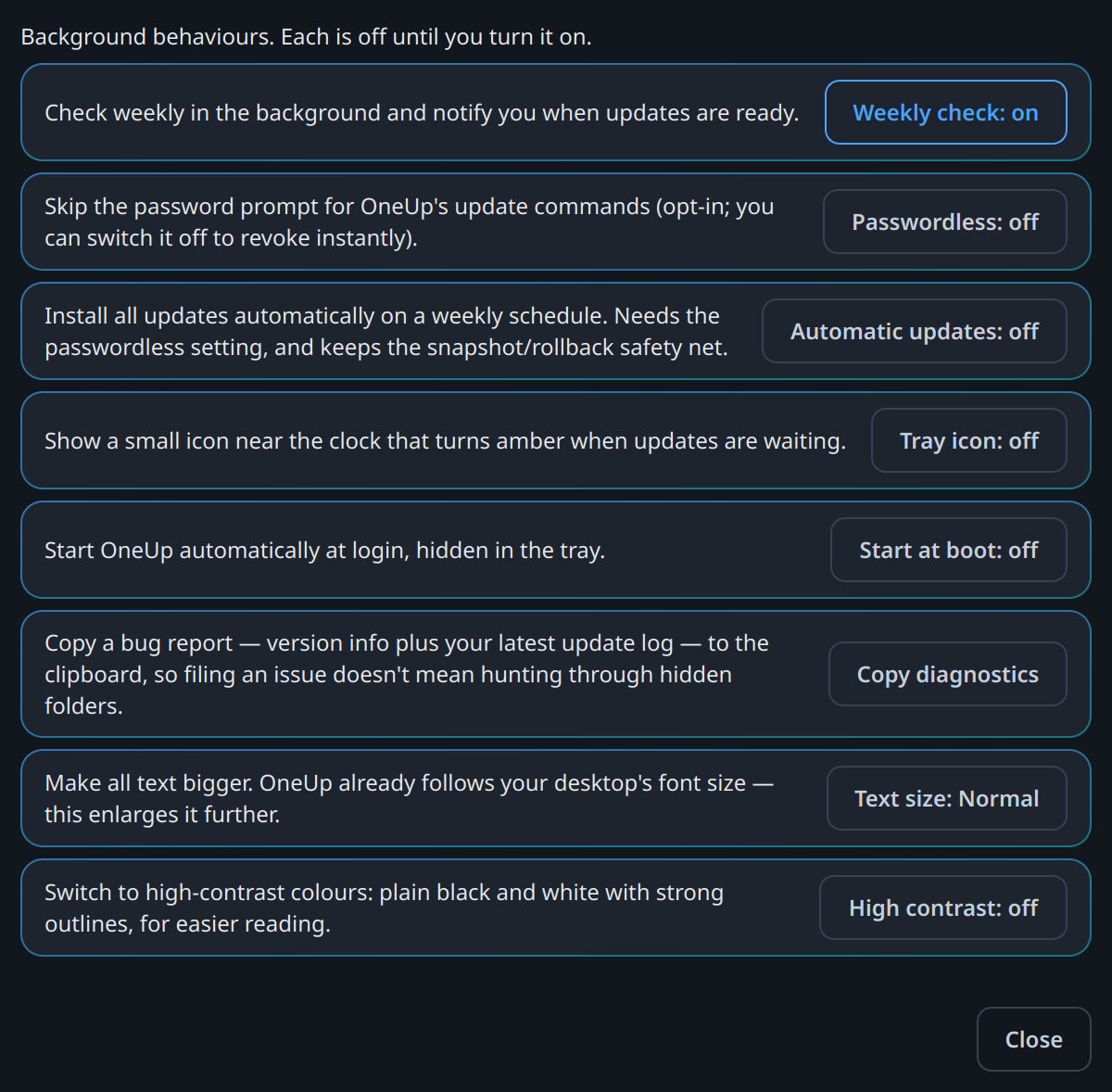
About OneUp
Keeping openSUSE up to date means running several different commands, and the graphical tools do not cover them all. OneUp puts the five that matter behind toggles in one window, and runs each one the way openSUSE's own documentation says to.
The point is not the window. It is knowing which command is correct.
Why it exists
Discover handles packages and Flatpaks, but on Tumbleweed it regularly chokes on Packman codec vendor changes. The update stalls and you end up in a terminal anyway. It also never touches firmware and never cleans up orphaned packages.
And the correct system-update command on Tumbleweed is zypper dup --allow-vendor-change. A great many people run plain zypper up instead, and
slowly break their system doing it.
What it does
Five tasks, each a toggle you can switch off:
| Task | What it runs |
|---|---|
| System packages | zypper dup --allow-vendor-change on Tumbleweed, zypper update on Leap, after refreshing the repositories |
| Flatpak apps | flatpak update for both user and system scope, then prunes unused runtimes |
| Firmware | fwupdmgr refresh and update |
| Leftover packages | Autoremoves unneeded dependencies, and reports — never removes — hand-installed orphans |
| Package cache | zypper clean --all, to get the disk space back |
A task whose tool you don't have, such as Flatpak or firmware updates, is skipped cleanly.
It can also:
- Check for updates read-only, and show how many are waiting for each task.
- Check weekly in the background and notify you when updates are ready.
- Sit in the system tray and turn amber when updates are waiting, with a right-click menu to check, update or open it. It can start at login too.
- Update automatically every week, if you turn it on.
- Skip the password prompt, if you turn it on. It stores no password: the system remembers the decision for OneUp's update commands only, and switching it off takes it back at once. Firmware may still ask, because it checks permission its own way.
- Roll back in one click to the snapshot it takes before updating system packages.
- Restart just the affected services when a full reboot isn't needed, and offer a one-click restart when one is.
- Manage your software sources in a Repositories window: switch them on or off, and remove duplicates.
- Explain failures in plain English, and warn you about low disk space or duplicate sources before it starts.
There is also a live log and a history of past runs.
The careful bits
It never runs as root. The window is a thin front end. The privileged work happens in a separate engine that asks for your password once, through your desktop's standard password prompt.
It gets the desktop's own updater out of the way. The background updater holds the package manager shortly after login. OneUp pauses it so the update can run, and it comes back on its own afterwards.
An update is never cut off half-way. Stop asks the current step to finish first, because a half-applied package transaction is how you end up with broken programs. Closing the window does not abort a run either. It carries on and finishes properly, and you are warned before you close. Open the window again and it shows you the run still in progress.
A failed step never claims success. Reboot advice appears only when something was actually installed, or when the system explicitly says a reboot is needed.
One broken software source does not fail the whole update. It is set aside, everything else updates, and it is retried next time.
A slow mirror never looks like a crash. One server was found handing out an
update index at under 1 KB a second. During that wait zypper says nothing at all,
and the app used to look frozen for minutes. OneUp now shows which source it is
fetching, how far through the list it is, the size, the speed and how long it has
been waiting. It gives up on any one source after two minutes and offers to leave
it out, rather than sitting there for hours.
Automatic updates never fail silently. They need the passwordless setting. If that stops working, weekly updates switch themselves off and tell you, rather than quietly doing nothing every week.
Read the restShow less
Accessibility
Built to be usable if you cannot see the screen well, or at all.
Every control has a spoken name, and the task switches report their on/off state. Progress is spoken as it happens, "Updating system packages, step 1 of 3", along with each step's outcome and the final summary. The log is deliberately not read aloud, because a run prints hundreds of lines. It is a named, focusable text area you can read at your own pace instead. Screen-reader behaviour is checked with Orca.
OneUp follows your desktop's font size. Settings → Text size makes it bigger still, and Settings → High contrast switches to plain black and white with strong outlines, in light or dark.
No colour cue stands alone. Each one comes with words or a shape: the switches show a bar when on and a circle when off, and the tray icon draws a "!" when updates are waiting.
Where it stands
Live and stable, on openSUSE Tumbleweed and Leap. It follows your desktop's light or dark setting. The engine underneath also runs on its own in a terminal; the window just drives it.
A recent update was all fixes. In the light theme, blue links and outlined buttons are now a darker blue that's easy to read. The window no longer stutters during a big download. Small messages open over OneUp instead of in a corner of the screen, and a window you moved stays where you put it. Offline, the firmware step no longer reports "up to date" from an old firmware list. It also includes clearer warnings and a few smaller window and engine tidy-ups.
The newest update fixes four things. Pressing Stop while packages download is now reported as a stop, not a failure. The signing-key hint appears only when there really is a signing-key problem, not whenever a package has "gpg" or "key" in its name. The download figure now reaches the end when some packages were downloaded before. A run that updated only Flatpak apps no longer says nothing was needed.
OneUp's openSUSE package has a new address: its own project on the openSUSE Build Service, home:milnet:oneup. If you added the older home:milnet repository, it keeps getting OneUp updates until the next major version, so nobody is cut off. To move, remove it and add the new one.
What's new · v1.4.10 14 October 2026
Changed
- The openSUSE repository has a new address (ONEUP-0273) OneUp's package now lives in its own project on the openSUSE Build Service, home:milnet:oneup. The README gives the new address. The old home:milnet repository keeps getting OneUp updates until 2.0.0, so nobody is cut off; the README says how to move.
Fixed
Stopping during the download is reported as a stop, not a failure (ONEUP-0275) Pressing Stop while packages downloaded made OneUp say the system update had failed, with a red Failed badge. Nothing had gone wrong and nothing was installed. It now says it stopped.
The signing-key hint appears only for a real signing-key problem (ONEUP-0276) When an update that included a package with "gpg" or "key" in its name failed for another reason, OneUp blamed an out-of-date signing key and offered to import keys. It now offers that only when zypper reports a key or signature error, and names the real cause otherwise.
The download figure reaches the end when some packages were already downloaded (ONEUP-0093) After a stopped run, packages already downloaded were left out of the running figure but not out of the total, so it lagged and could never reach the end. They now count as downloaded.
A run that updated only Flatpak apps no longer says nothing was needed (ONEUP-0277) After installing Flatpak updates and no system ones, OneUp said everything was already up to date. The window, the summary and the desktop notification now say updates were installed.