Early WIP

See which of your local web servers are actually running.
Screenshots
About Local Web Server Manager
If you keep several web projects in one folder, each starts a different way, on a different port, and nothing tells you which are running. When this was first scoped, two of seven local servers on this machine were quietly running and nothing on screen said so.
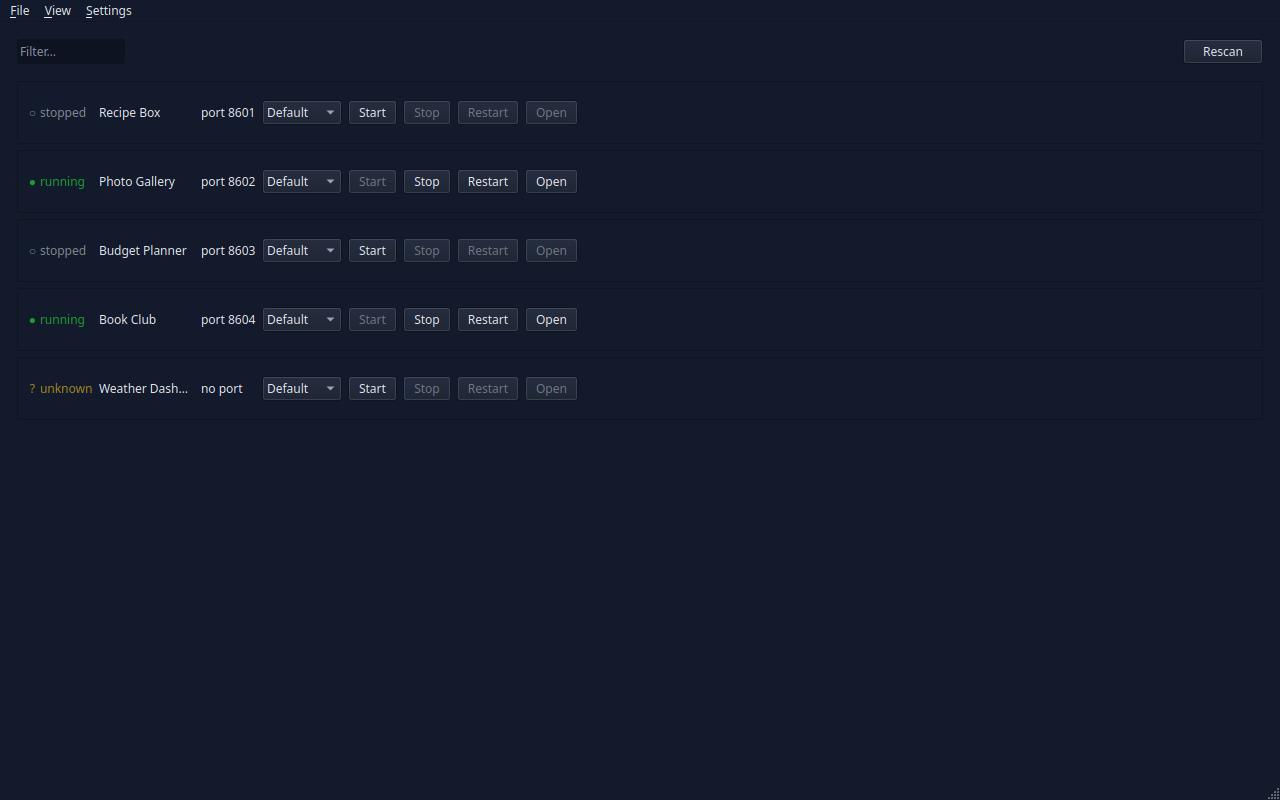
This app scans your projects folder, works out how each project starts and which port it wants, and gives you one window with a row per project: a status light, a Start/Stop button, and a link to open it in your browser.
It runs each project's own start script. It never edits a single file in your projects.
What works today
- It finds your projects for you — which ones run a web server, how each one starts, and which port each wants.
- One row per project, with a coloured light and the word
running,stoppedorunknownbeside it. The word is always there, so colour is never the only thing telling you. - Start, Stop and Restart on every row.
- An Open button — offered only for servers this app started itself. If something else is sitting on that port, it will not send you to a page it cannot vouch for.
- Rescan, which looks again and folds in new projects without losing anything you changed by hand.
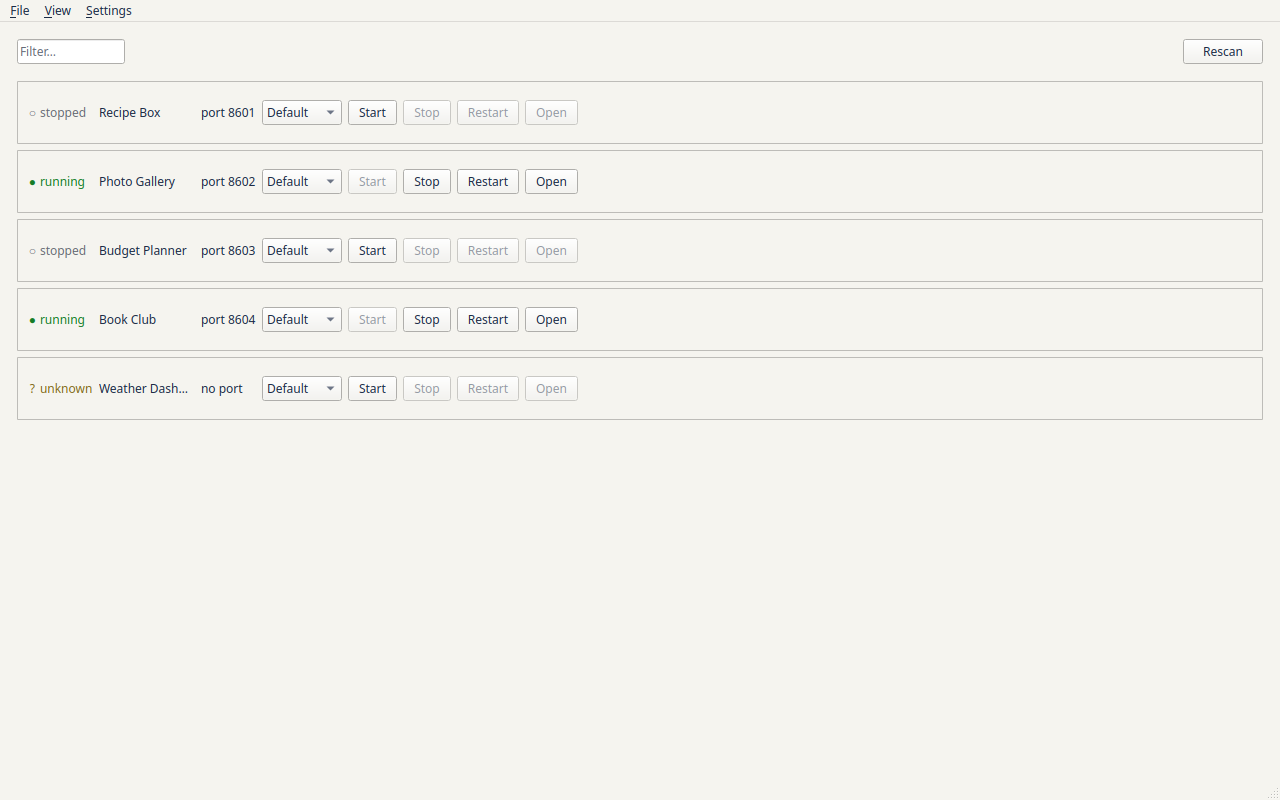
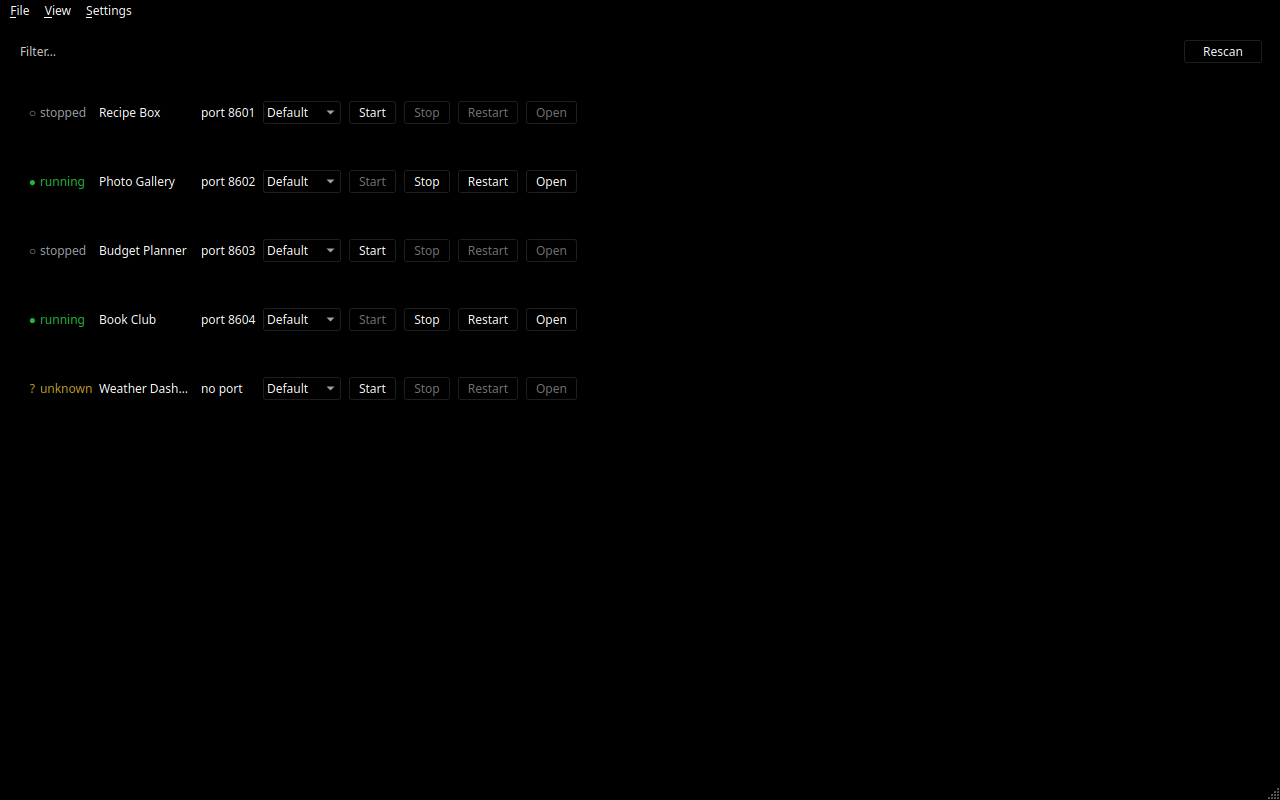
- Eight colour themes, two of them high-contrast, remembered between runs.
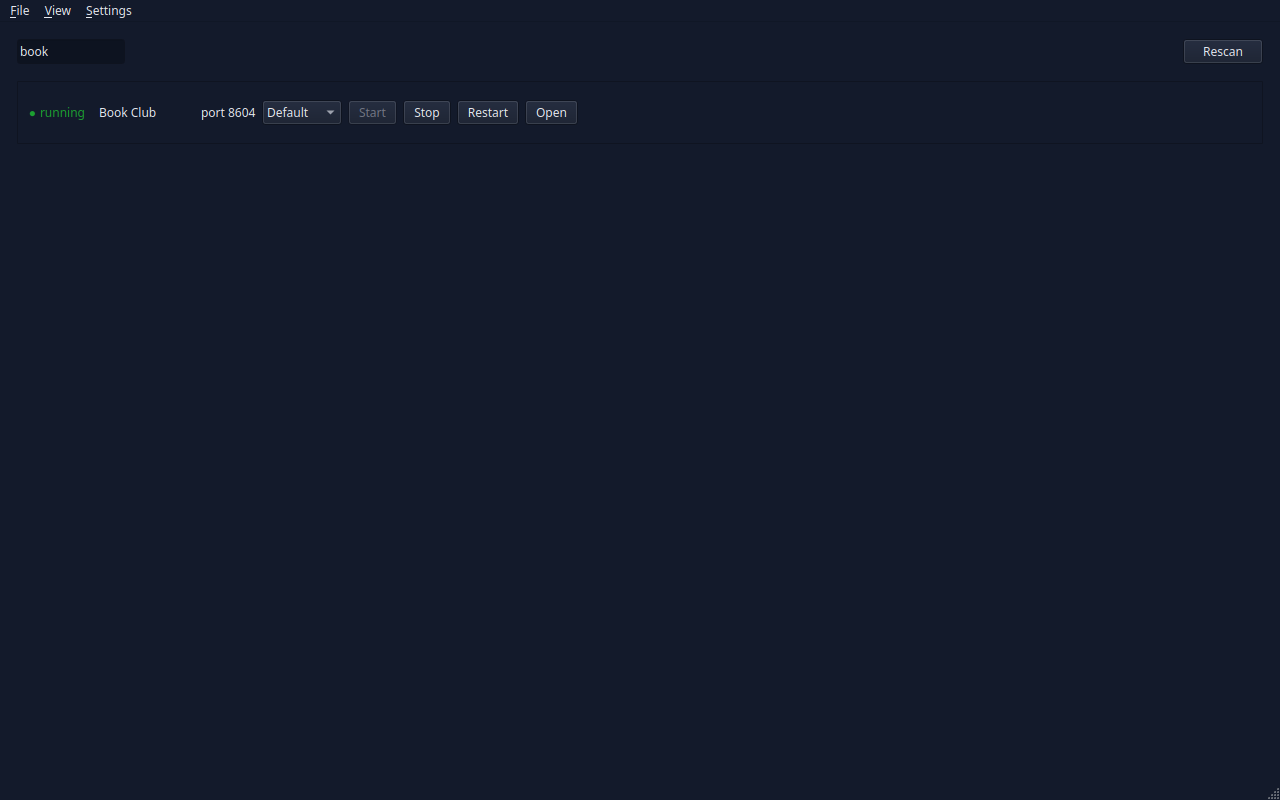
- Keyboard driving —
/jumps to a filter box that narrows the list as you type,Escclears it, the number keys jump to a project, and Enter starts or stops the one you are on. - A log per project, written to a private file and capped in size so a chatty server cannot fill your disk.
It is built to be readable. Text scales with your system setting, and a text size control takes it further — 100% to 200% on top of whatever your desktop already asked for. The keyboard focus outline is visible, every colour is checked against a contrast standard, and screen readers are told when a project changes state — once, rather than once a second. When something fails, the message appears under the project it is about, not in a corner of the window.
What is not there yet
No settings window — where to look for projects is a plain text file for now. No live output panel inside the app; the logs are on disk and you read them with your own tools. No tray icon, no start-on-login, no "what is using this port?" help.
And no download. There is no package or AppImage yet — that is the last phase of the build, so for now you run it from a copy of the source, which needs Python and one tool to fetch its dependencies. A script puts it in your application launcher afterwards, writing only inside your own home folder and needing no password.
Where it stands
Early days, but it runs — the window opens, the lights are live, and Start, Stop, Restart and Open all work. Nothing has been released, so nothing is promised to keep working from one day to the next.
It targets KDE Plasma on Linux. Remembering and restoring the window's position needs KWin specifically, because under Wayland an application is not allowed to place its own window; on other Linux desktops that one feature degrades to opening at the remembered size wherever the compositor puts it, and everything else is ordinary and portable. Windows in particular is unlikely — it has no process groups, which is the mechanism the whole start-and-stop design rests on.