Beta

Sets up a fresh openSUSE install the way you want, in one sitting.
Screenshots
About Groundwork
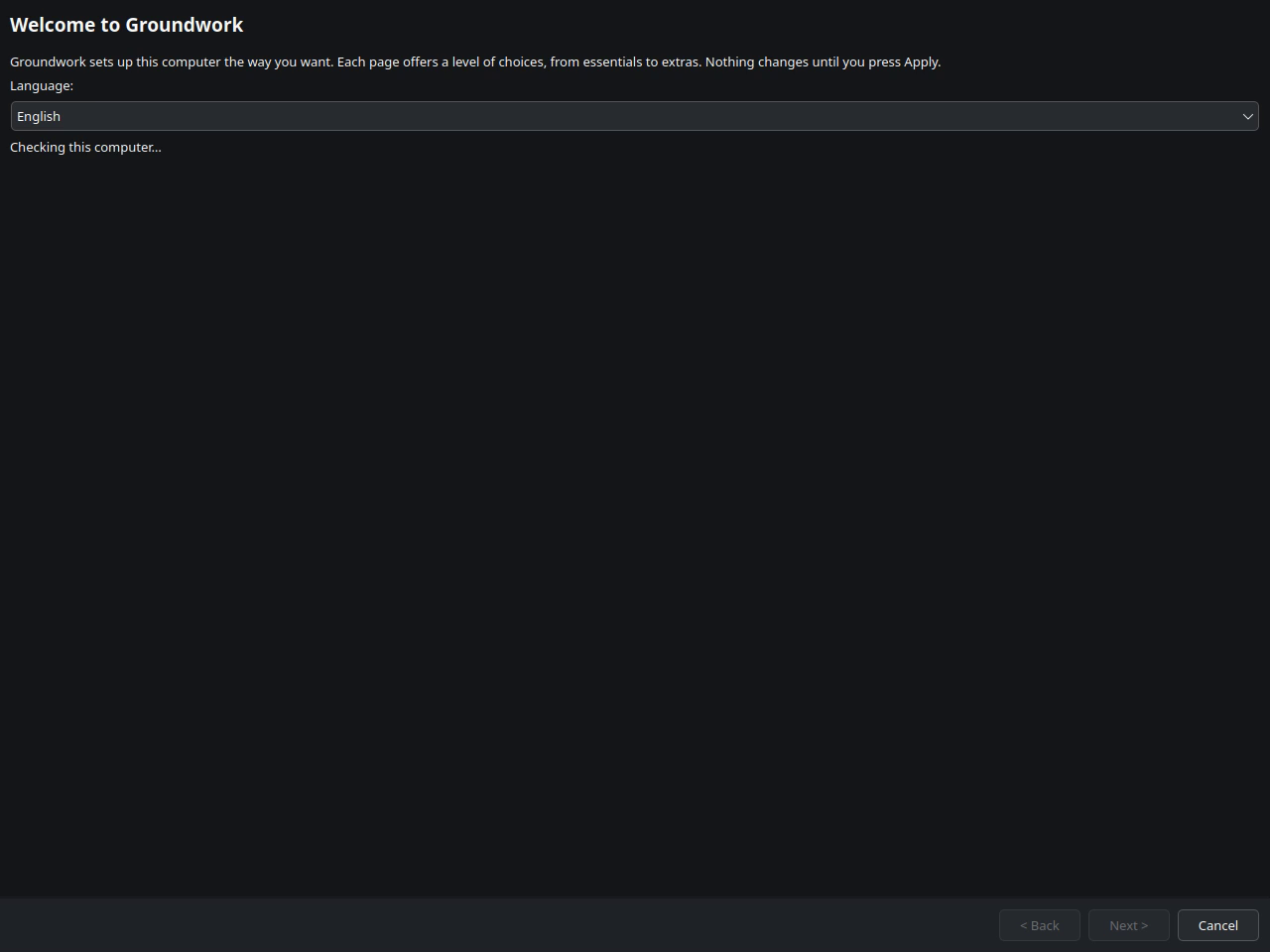
Groundwork sets up a fresh openSUSE install the way you want, in one sitting.
What it does
It checks the computer first, then offers choices level by level:
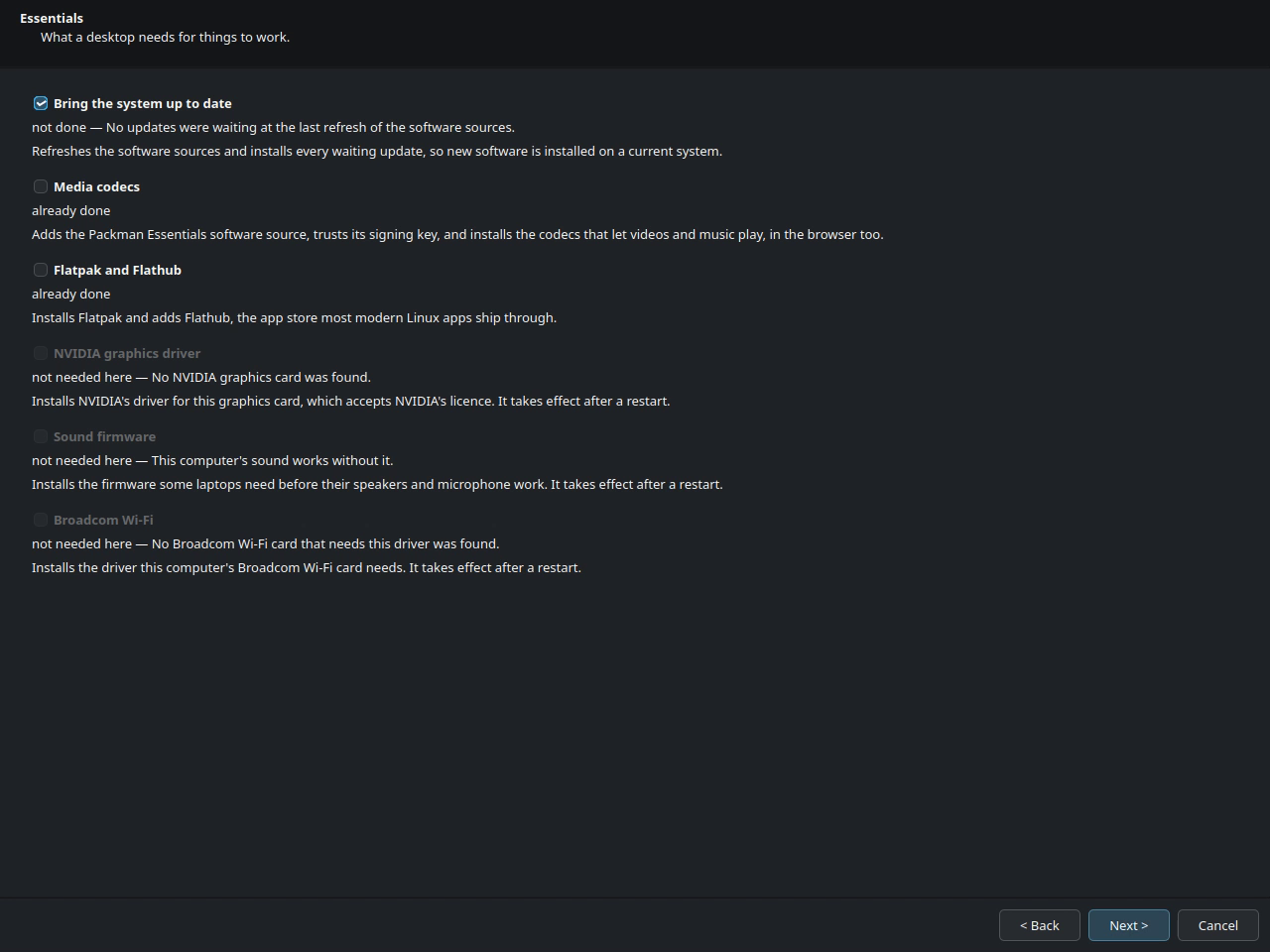
- Essentials: system updates, media codecs, Flatpak and Flathub, and hardware drivers only where your hardware needs them.
- System setup: snapshots, firewall, firmware updates and laptop power.
- Configuration: computer name, remote login, and the clock for dual-boot.
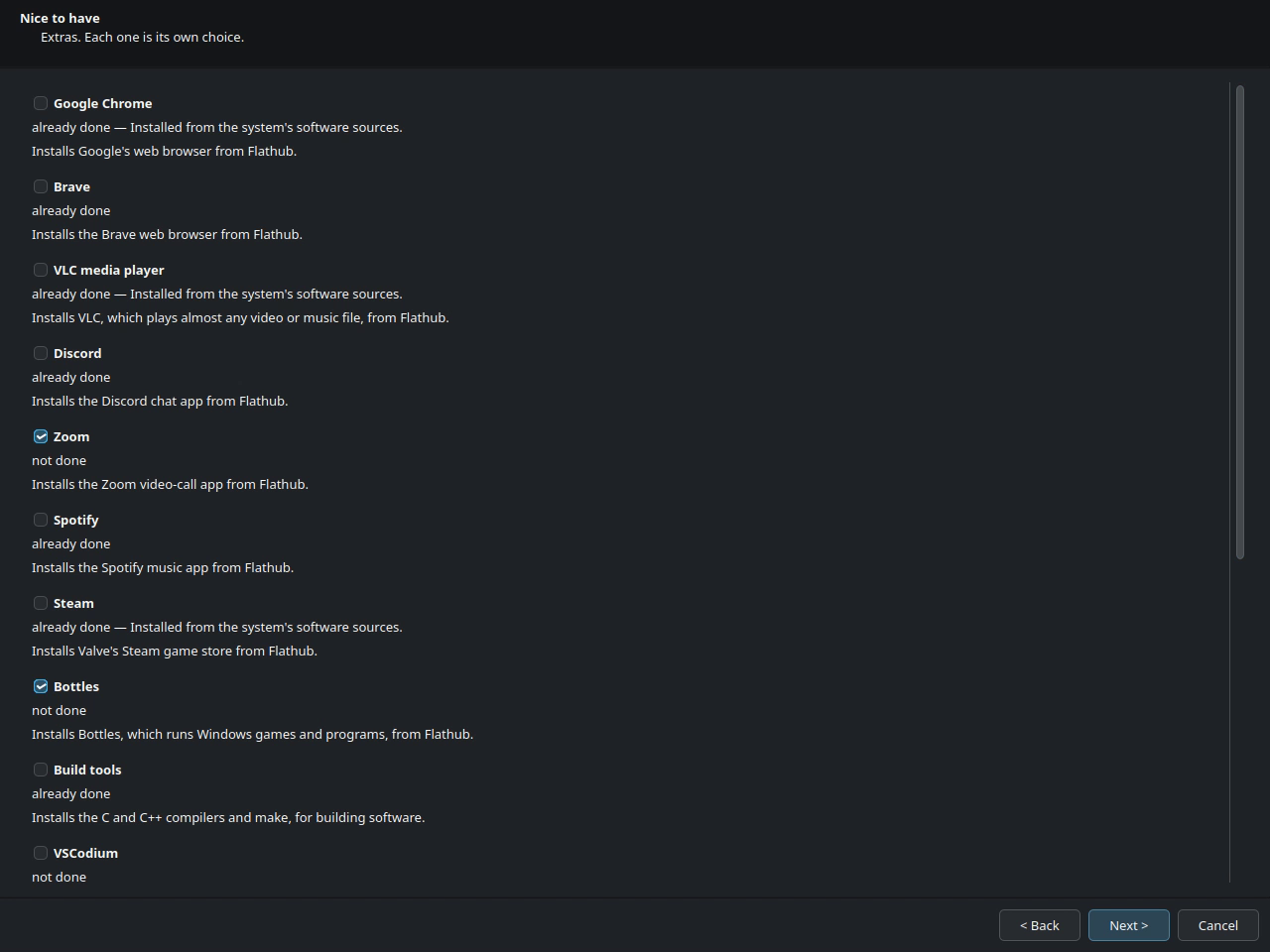
- Extras: popular apps, gaming, developer tools, a backup tool and fonts.
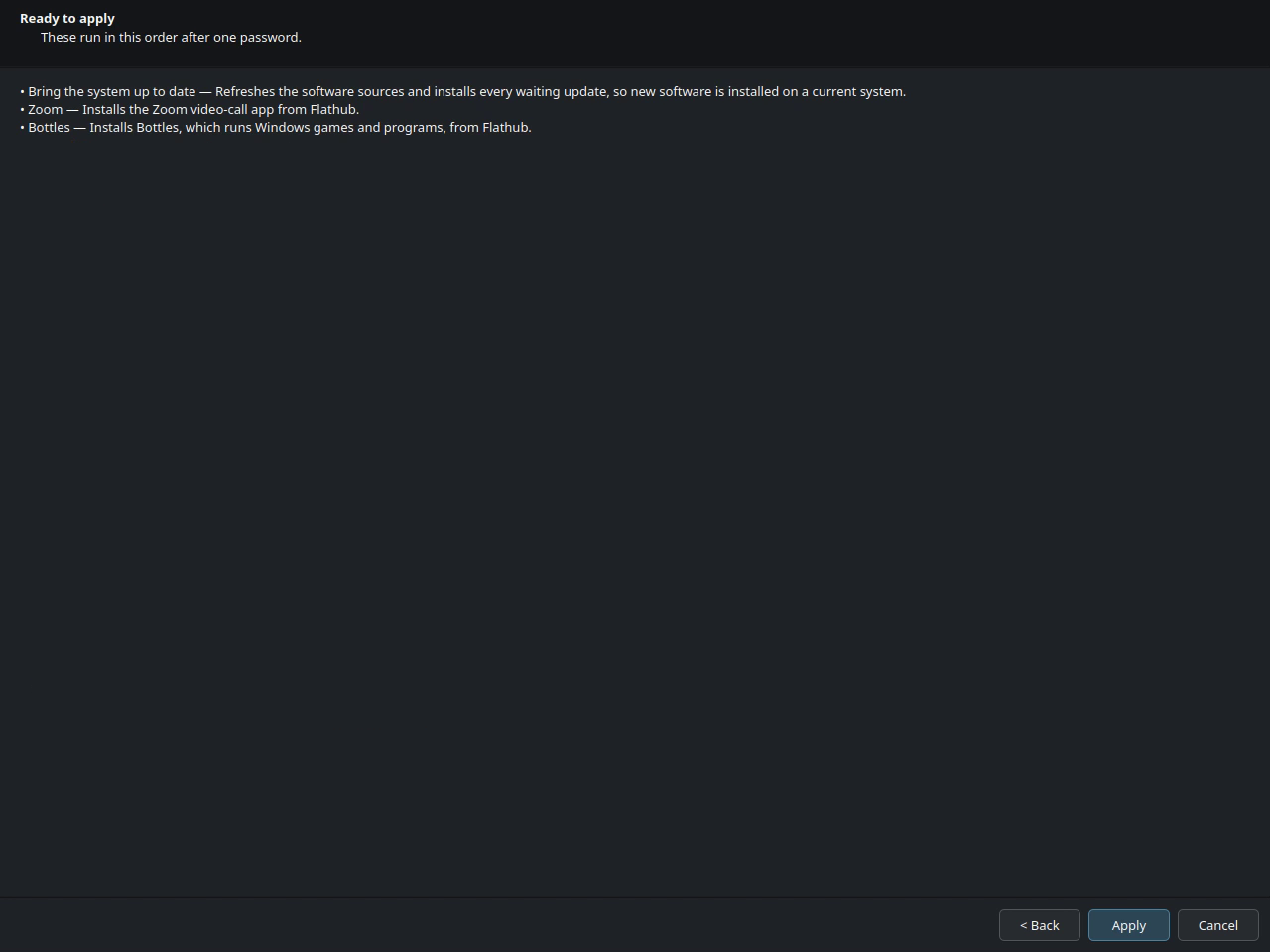
Nothing changes until you press Apply, and it asks for your password once.
Where it stands
This is its first public release. It comes as a single AppImage file that runs without installing anything, on Tumbleweed and Leap 16. It speaks English and fourteen other languages, each marked as a draft until a fluent speaker has checked it.
What's new · v0.1.0 10 October 2026
Theme: Every level, from essentials to extras.
Added
Languages nobody fluent has checked yet are labelled as drafts. (GRND-0041) The language choice says so, and so does the first page while a draft is in use.
Translation files for fourteen languages, built into the app. (GRND-0038) Each language is offered once it has been translated.
A step-by-step setup window: choose a language, pick items level by level, review, then apply with one password (GRND-0008) Items start ticked only where they are essential and not yet done. Ticking an item ticks what it needs, and the row says why.
groundwork --checklists what is and is not set up, and changes nothing (GRND-0005)Setup runs as its own process that asks for the password once, re-checks each item first, and stops safely between items (GRND-0006)
Groundwork's own password box, so it works on any desktop (GRND-0007)
Essentials: system update, media codecs from Packman Essentials, Flatpak and Flathub (GRND-0011)
Hardware support where it is needed: NVIDIA driver, laptop sound firmware, Broadcom Wi-Fi (GRND-0014)
System setup and configuration: snapshots, firewall, firmware updates, laptop power, computer name, remote login, dual-boot clock (GRND-0017)
Extras, each its own choice: popular apps from Flathub, gaming, developer tools, a backup tool, command-line programs, Microsoft fonts (GRND-0025)
Language support, including right-to-left layouts (GRND-0032)
A single-file AppImage that runs without installing anything first (GRND-0012)
Items that accept a licence (the NVIDIA driver, Microsoft fonts) never start switched on. (GRND-0039) You switch them on yourself, so nobody accepts a licence by accident.