Live
Breaks your finances into categories — private and offline.
Demo
Screenshots
About finbreak
Most budgeting apps want to log into your bank. finbreak reads your statements instead — the CSV, OFX or PDF files your bank already gives you — and works out where your money went from those.
There is no bank linking, no account to sign up for, and no financial data leaving your computer. The one exception is an update check, and it is off by default: switch it on and finbreak looks for a newer version and installs it only after checking the download is genuinely signed. Leave it off and the app never touches the internet at all.
What it does
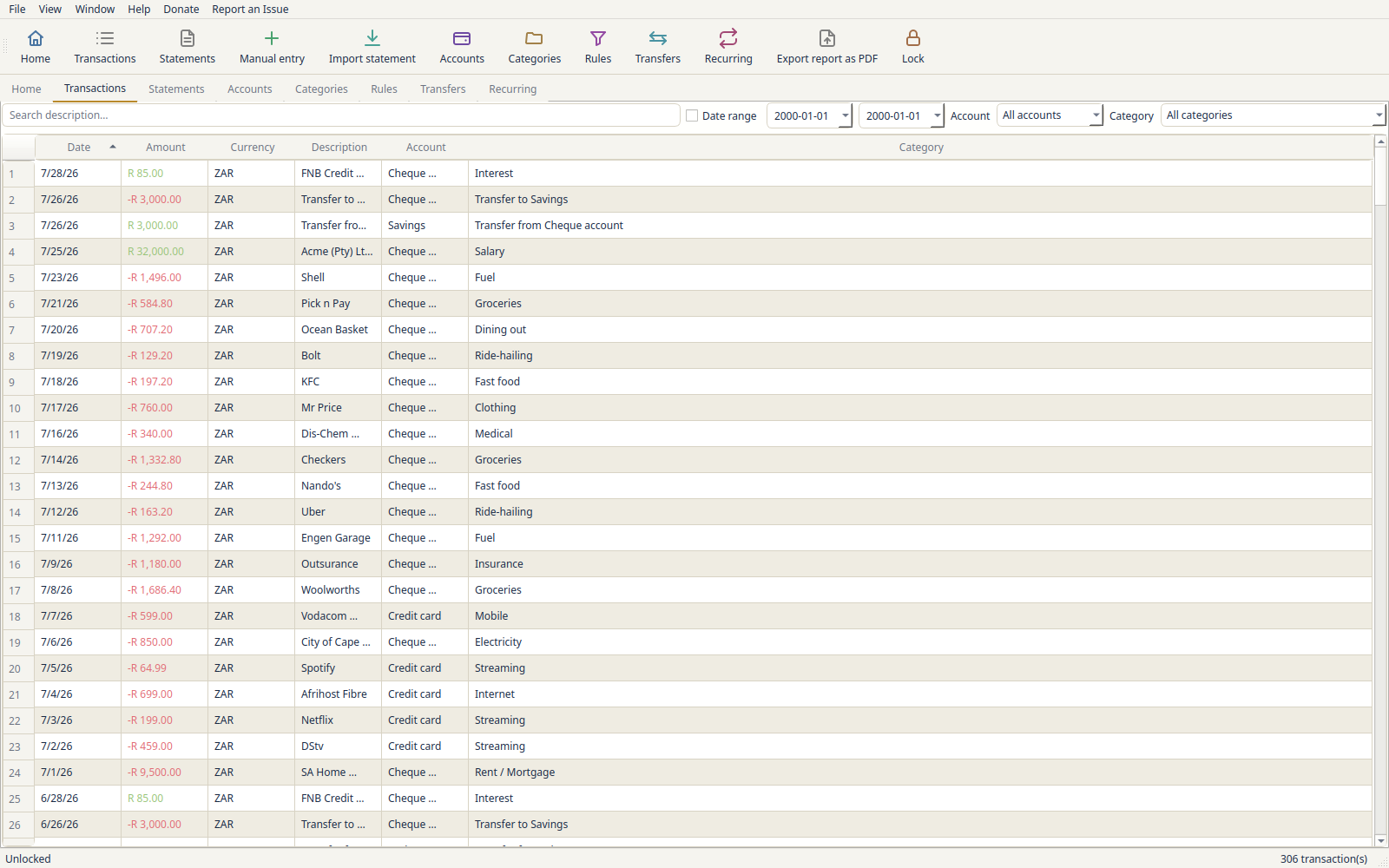
Imports a pile of statements at once. A year of monthly PDFs, a mix of formats, password-protected files — it asks up front for anything it genuinely cannot get past, then works through the rest and shows you one screen: every file, where it is going, how many transactions are new, how many are duplicates you already have, and how many lines it could not read. Nothing is written until you press Import.
Files them itself. It reads the account number printed on a statement and pre-selects the matching account, telling you why. If it has not seen the account before, it offers to create it. Where it cannot be sure, it says so and leaves the choice to you rather than guessing.
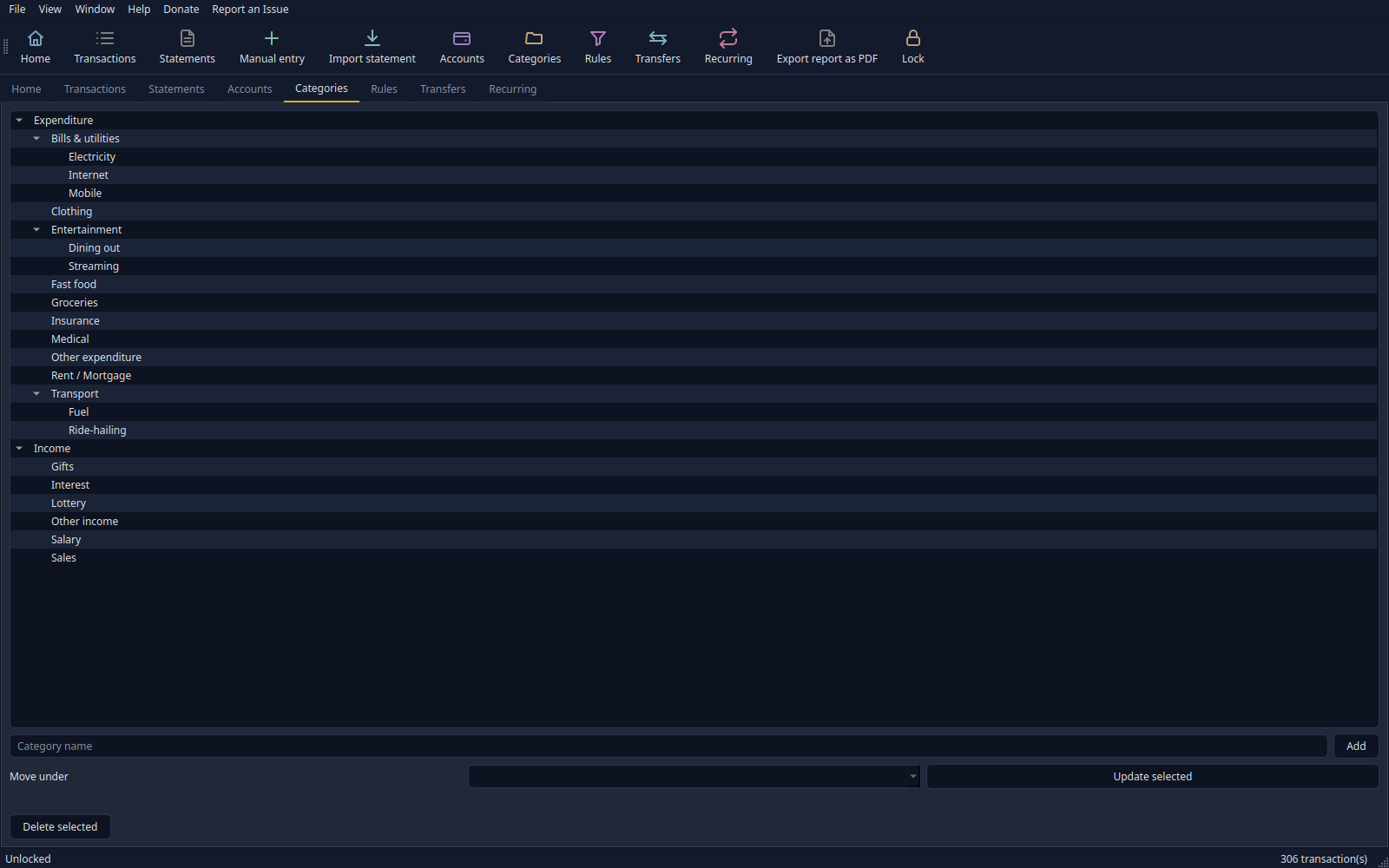
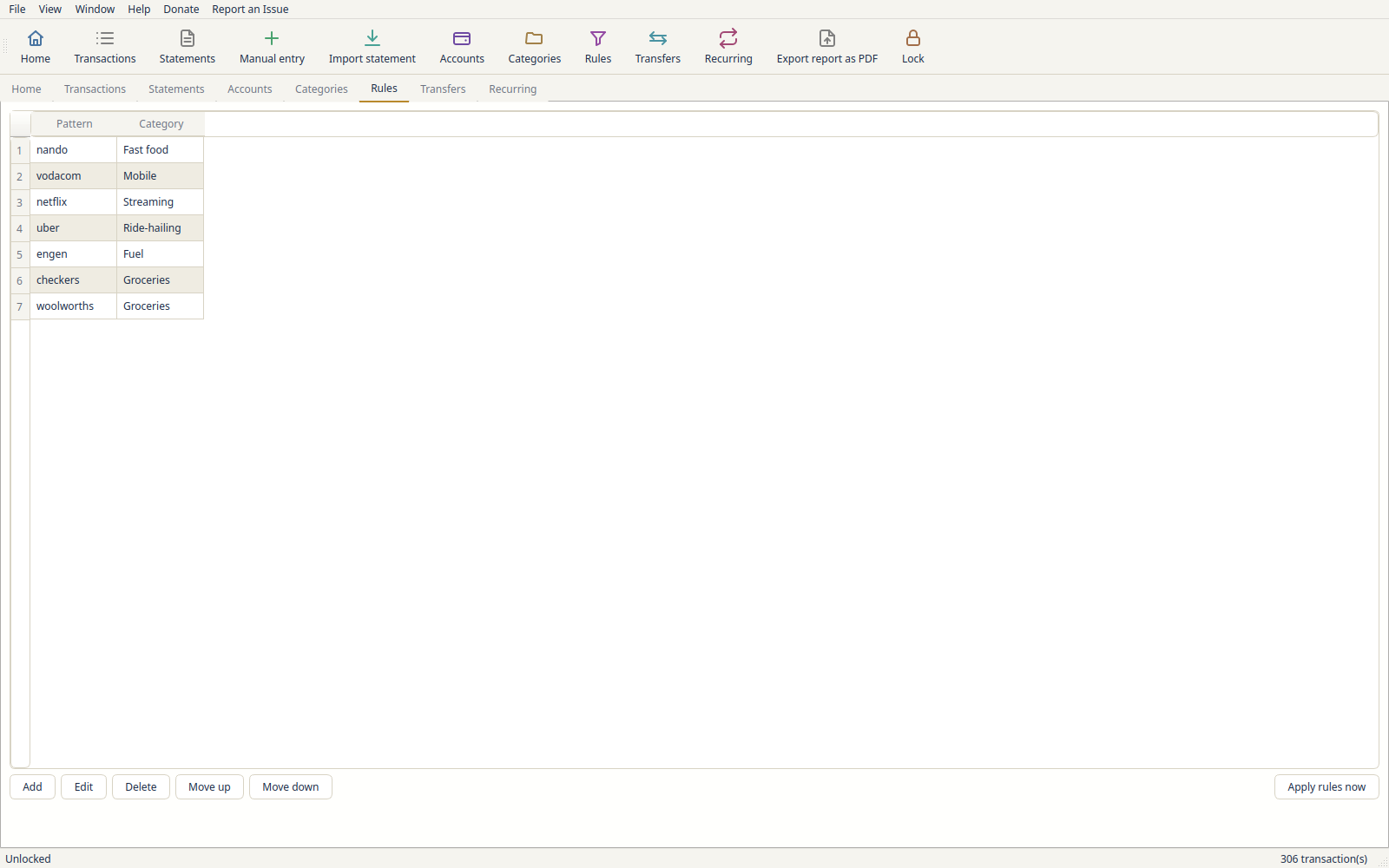
Sorts transactions into categories — up to three levels deep — with built-in guesses for common shops and services, your own rules on top, and corrections it learns from. Every guess is tagged, so you can see what it decided and overrule it.
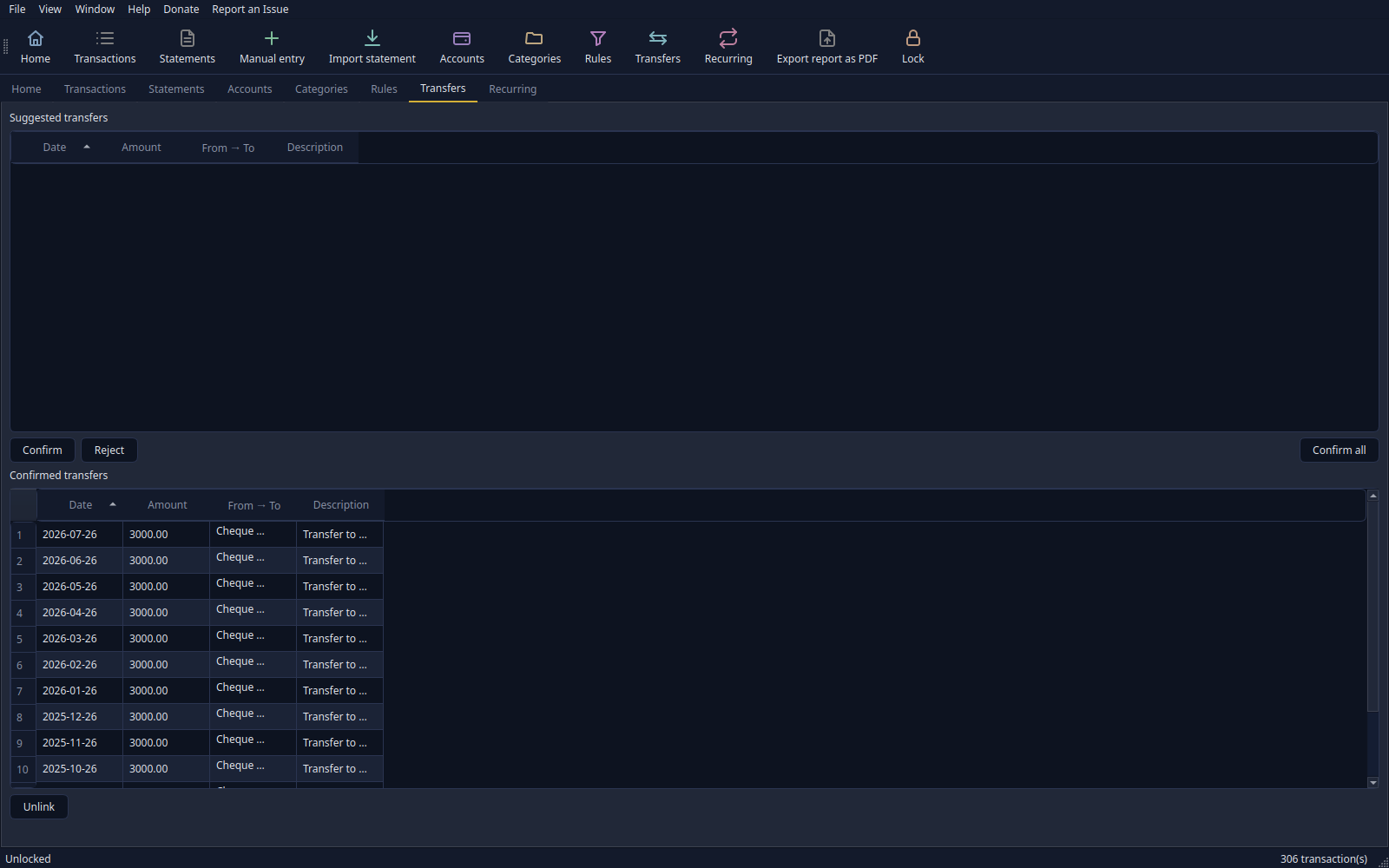
Spots money moving between your own accounts, so a transfer from your current account to savings is not counted as both spending and income.
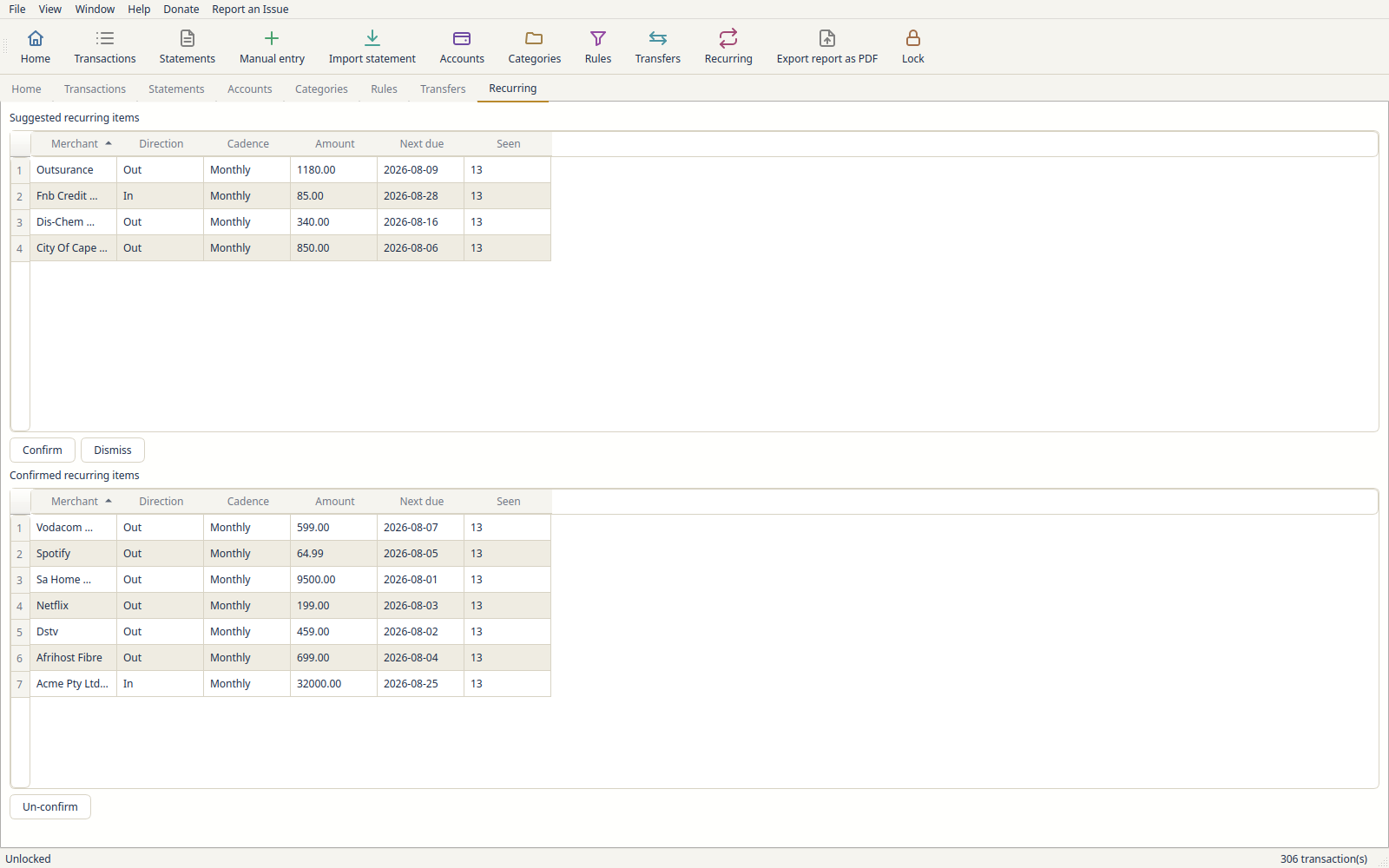
Spots what repeats — subscriptions, debit orders, your salary — and suggests them for you to confirm, so you can see at a glance what is on autopilot.
Projects where you are heading. The Forecast tab starts from a real closing balance rather than an estimate, brings it up to date, and draws the line to the end of the month or 30, 60 or 90 days out, using the repeating money you have confirmed. It names any account it left out and why.
Checks the numbers add up. Each account is marked ✓ when your imported transactions bridge one statement's closing balance to the next, or ⚠ with the amount it is off by — so a missing or double import does not go unnoticed.
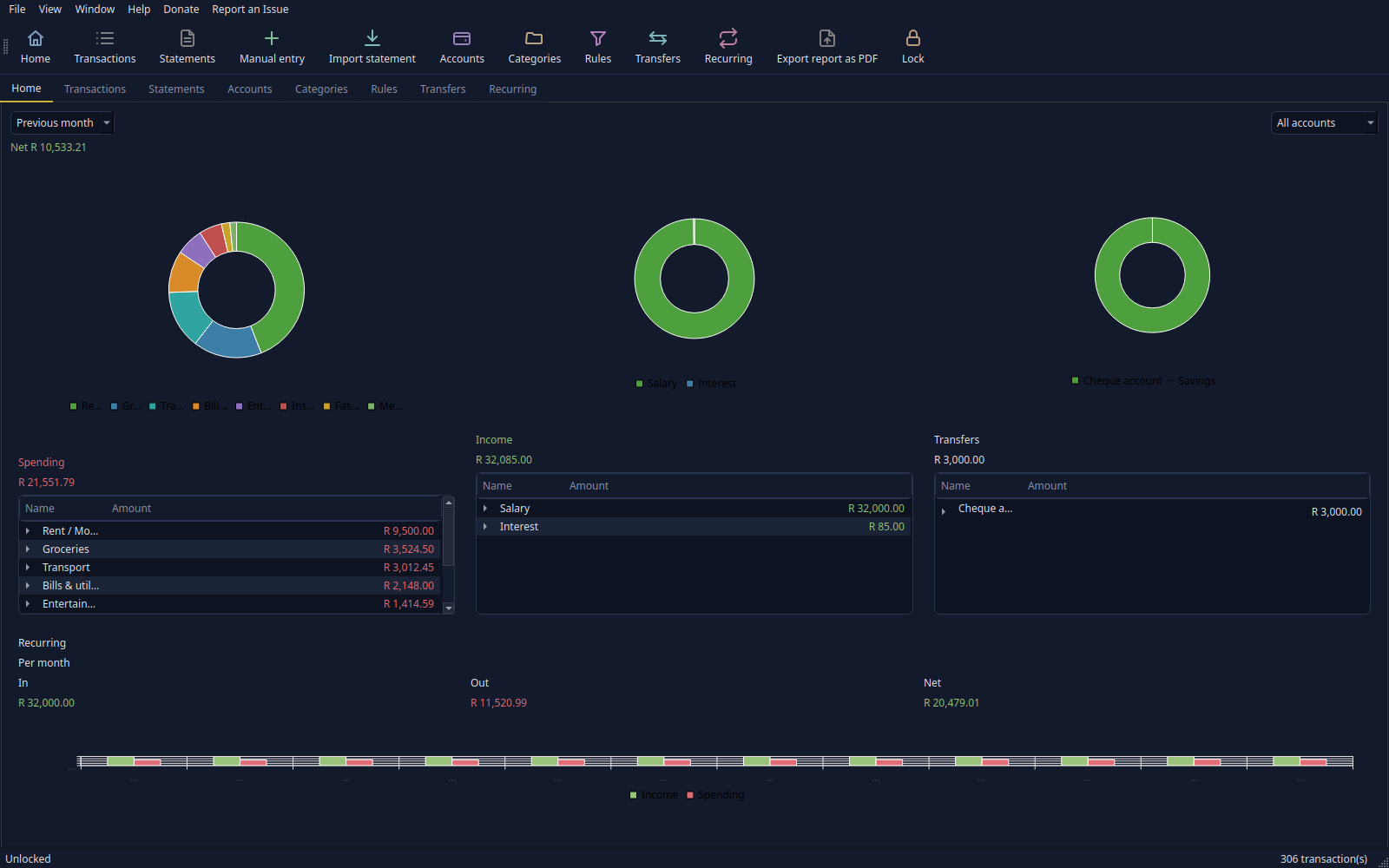
The dashboard
It opens by telling you in a sentence what the month actually did: "September cost you R2,340 more than your usual month. Most of it was one thing — Vet, R1,900 more than usual."
It stays quiet when a month is ordinary, says "so far" while one is still running, and says nothing at all rather than guessing when there is not yet enough history to know what usual means.
Below that, spending, income and transfers sit side by side. Each opens down from a category to a single shop to the individual purchases. An alerts button lights up when something is worth a look — a new recurring charge, a category well above its usual, an expected debit that never posted.
Privacy and safety
Your data sits in an encrypted, password-protected vault. When you create it, finbreak shows you a recovery code once. Keep it somewhere safe: if you forget your master password, the code opens the vault and lets you choose a new one. finbreak keeps no copy, so losing both the code and the password still means losing the vault. You can decline the code, or replace or remove it later.
Copied amounts and descriptions are cleared from the clipboard after a short while. Repeated wrong unlock attempts are slowed down. Account numbers show as dots plus the last four digits, so a glance or a screenshot never gives one away.
You can export a PDF report — your choice of sections, accounts and period — and lock the file with its own password. Backups are encrypted, checked before you rely on them, and can be restored onto a new master password.
Where it stands
Stable, with more still planned. This is finbreak's first stable release. Your vault, your backups and your saved import settings will keep working with every update in this series.
Read the restShow less
Windows updates fixed. On Windows, clicking Update now used to download the new version and then close finbreak without installing it. That is fixed. If you already use finbreak on Windows, download the newest release by hand once and put it in place of your old finbreak.exe, in the same folder. That release has the fixed update step. finbreak also now tidies away the leftover download files those failed updates left in that folder. Separately, installing finbreak on Fedora no longer shows a false "Transaction failed" message.
The release before it was mostly fixes. PDF reports always print on a light, easy-to-read page. When a bank file holds several accounts, finbreak names each account's type in words, such as "Savings", instead of the bank's code. Importing several statements with the same layout asks about the columns only once. And the Linux download no longer crashes when you start typing, and a failed update now says why.
There are six colour themes plus a follow-your-system setting. Every table remembers the column widths and order you gave it, and Window → Reset layout puts them all back in one click.
On Linux it runs as a self-contained AppImage, or installs as a native package on openSUSE Tumbleweed and Fedora through the openSUSE Build Service. Packages for Debian and Ubuntu and a macOS app are still to come.
Windows builds are not yet code-signed, so SmartScreen will query it the first time — click More info → Run anyway. An application to a free signing programme for open-source projects was declined in July 2026; the plan is to build up a track record and reapply.
What's new · v1.0.1 10 October 2026
Theme: Windows updates fixed.
Fixed
- On Windows, "Update now" installs the update and reopens finbreak (FIBR-0444)
Since 0.1.10, clicking "Update now" on Windows downloaded the update, closed
finbreak, and then did nothing: the small helper that swaps in the new
version was shut down by Windows before it could start. It now starts
correctly. If you use finbreak on Windows and have 0.1.10 to 1.0.0,
download this release by hand once and replace your old
.exewith it. The in-app update cannot fix itself, because the old version runs the update. Updates started from this release on use the fixed helper. Your data was never touched. - Leftover download files from failed Windows updates are removed (FIBR-0445)
Each failed update left a file named
finbreak-update-followed by eight letters and digits next tofinbreak.exe. When finbreak starts, it now deletes such files from its own folder once they are over an hour old. It touches no other file. - Installing finbreak on Fedora no longer reports "Transaction failed" (FIBR-0443) The app always installed and ran, but the package's after-install step called commands Fedora 44 no longer has, so the installer said it had failed. The step is gone; Fedora and openSUSE refresh the menu and icons themselves. The 1.0.0 Fedora package was rebuilt with this fix. Upgrading from an earlier Fedora package shows the message one last time, because the old package's own uninstall step still runs; the upgrade completes.