
Shows you how scattered the files on your Linux drive are, and tidies them up while you watch.
Support DeFragR
DeFragR is free and open source. Donations pay for the time it takes to fix bugs, add features and keep it working as computers change. If it's useful to you, any amount helps.
Screenshots
About DeFragR
What it is
DeFragR is a defragmenter for Linux drives, in a window.
A file is fragmented when it is stored in many separate pieces across the drive. On a spinning drive, that makes the file slower to read. DeFragR finds those files and puts each one back together in one piece.
The problem
Linux already has a tool for this, called e4defrag. It works, but it
runs in a terminal and prints lines of text. It does not show you the
drive.
It also does not tell you which drives are worth defragging. Defragging an SSD wears it out and gains nothing. Defragging a btrfs drive can use up extra space.
What it will do
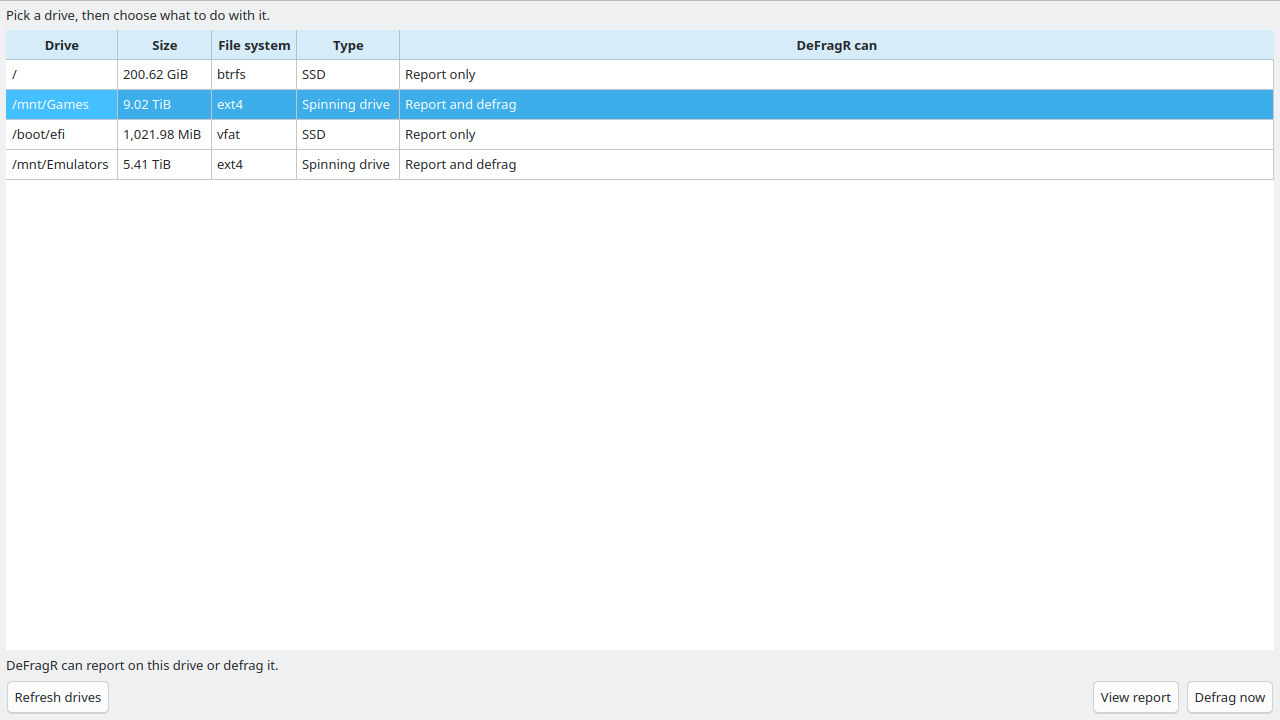
- List your drives. Each one shows its size, its type, and whether it is an SSD or a spinning drive.
- Let you choose. Pick "view report" or "defrag now".
- Report without touching anything. The report shows how fragmented the drive is and which files are worst. It changes nothing.
- Show the drive as a map. During a defrag, the map's blocks change from scattered to whole as you watch.
- Show progress. A status bar names the file being worked on, and a percentage climbs to 100%.
- Move files safely. It uses only the Linux kernel's own checked move. Each file is checked before and after, and must match.
- Stay out of your way. Your PC stays usable while it runs. You can pause or cancel at any time without harm.
- Be easy to read. High contrast, and symbols as well as colours.
- Say no when it should. An SSD, a btrfs drive or a Windows drive gets a report only, with a plain reason why.
What it will never do
- Defrag an SSD.
- Move file data in its own way. Only the kernel's checked move is used.
- Defrag Windows drives (NTFS or FAT).
- Pack every file to the front of the drive. Linux has no safe way to do that.
Where it stands now
So far DeFragR gives a report and changes nothing.
Install DeFragR from its package repository on openSUSE, Fedora, Debian 13, Ubuntu 24.04 or later, or Arch, or build it from source. The packages are for 64-bit PCs only, and there is none for Debian 12. It installs with a menu entry and an icon. On openSUSE Tumbleweed:
sudo zypper addrepo https://download.opensuse.org/repositories/home:/milnet:/DeFragR/openSUSE_Tumbleweed/home:milnet:DeFragR.repo
sudo zypper install defragr
For another system, pick its folder in the repository on the openSUSE Build Service.
What works in it:
- Your drives, listed. Each one offers "View report" and "Defrag now". A choice a drive cannot take is greyed out, with the reason in plain words. A "Refresh drives" button lists them again.
- A report that touches nothing. It shows how fragmented the drive is and lists every fragmented file, worst first.
- A map of the drive. The report draws the drive as a grid of squares: whole files solid, fragmented files striped, folders and the filesystem dotted, and free space as an outline. A key sits above it.
- Progress you can see. A percentage bar shows how far a report has got.
- Safe reports. A report refuses a folder that is not a real drive. It never opens a device or wakes a network drive, and another user on the same computer cannot stall it.
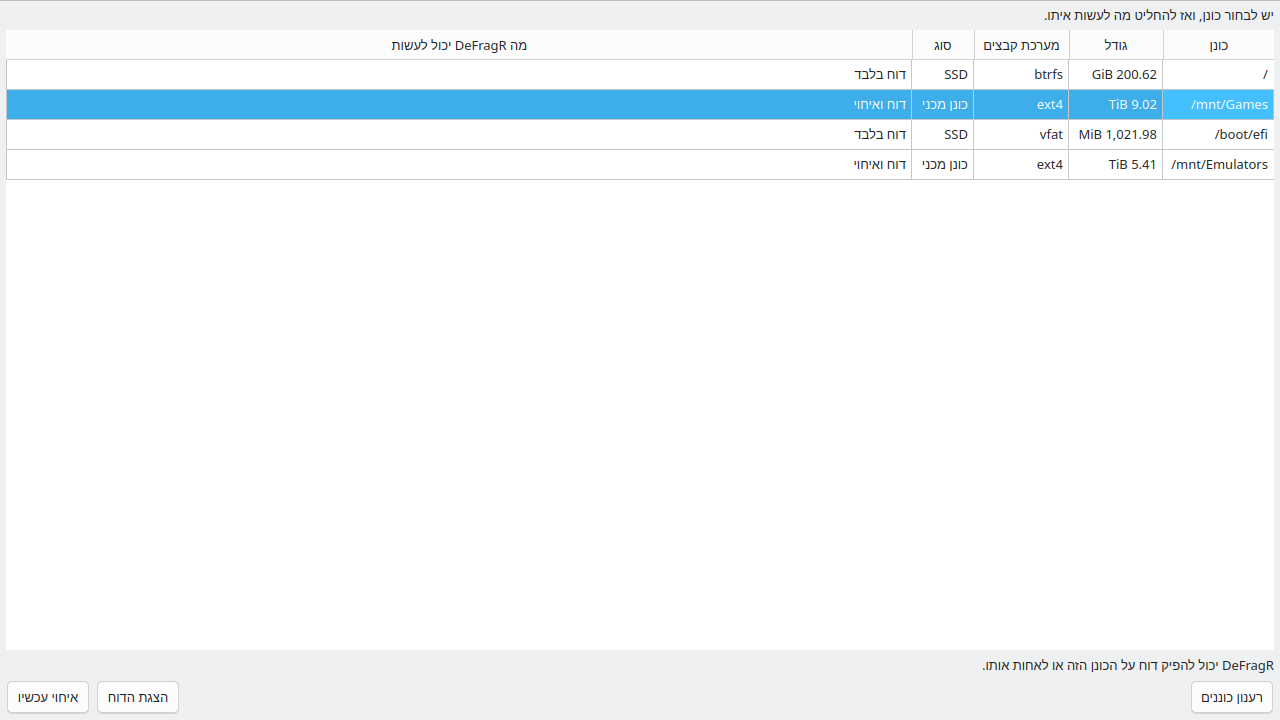
- Your language. The window follows your desktop's language in Hebrew, German, Italian, Greek, Spanish, Portuguese, Chinese, Japanese, Russian, Polish, French and Ukrainian, and shows English otherwise. These translations are AI drafts not yet checked by native speakers, and corrections are welcome. A few of the newest messages still show in English.
Defragging itself comes in a later version.
What's new · v0.2.1 18 November 2026
Theme: Packages on OBS
Added
- DeFragR can be installed:
cmake --installputs the window, its engine, a menu entry and the icon in place. A package built without git history can name its build in the window title with-DDEFRAGR_BUILD_ID(DFR-0091).
Fixed
- The engine builds where the system sets its own link flags, as Debian, Fedora and Arch package builds do, and carries the build ID their debugging tools look for (part of DFR-0092).