Ants Projects Hub ← All projects

Beta

Ants Terminal

BetaLNXLatest: v0.7.98-rc1

Theme: Rolling Patron preview of the next release. Fixes and features land in this section as they ship during the freeze window; the section gets its public date when 0.7.98 is promoted to a stable release.

Full release notes: CHANGELOG.md at this tag — https://github.com/milnet01/ants-terminal/blob/v0.7.98-rc1/CHANGELOG.md

All releases on GitHub →

Ants Terminal

Ants Terminal Icon

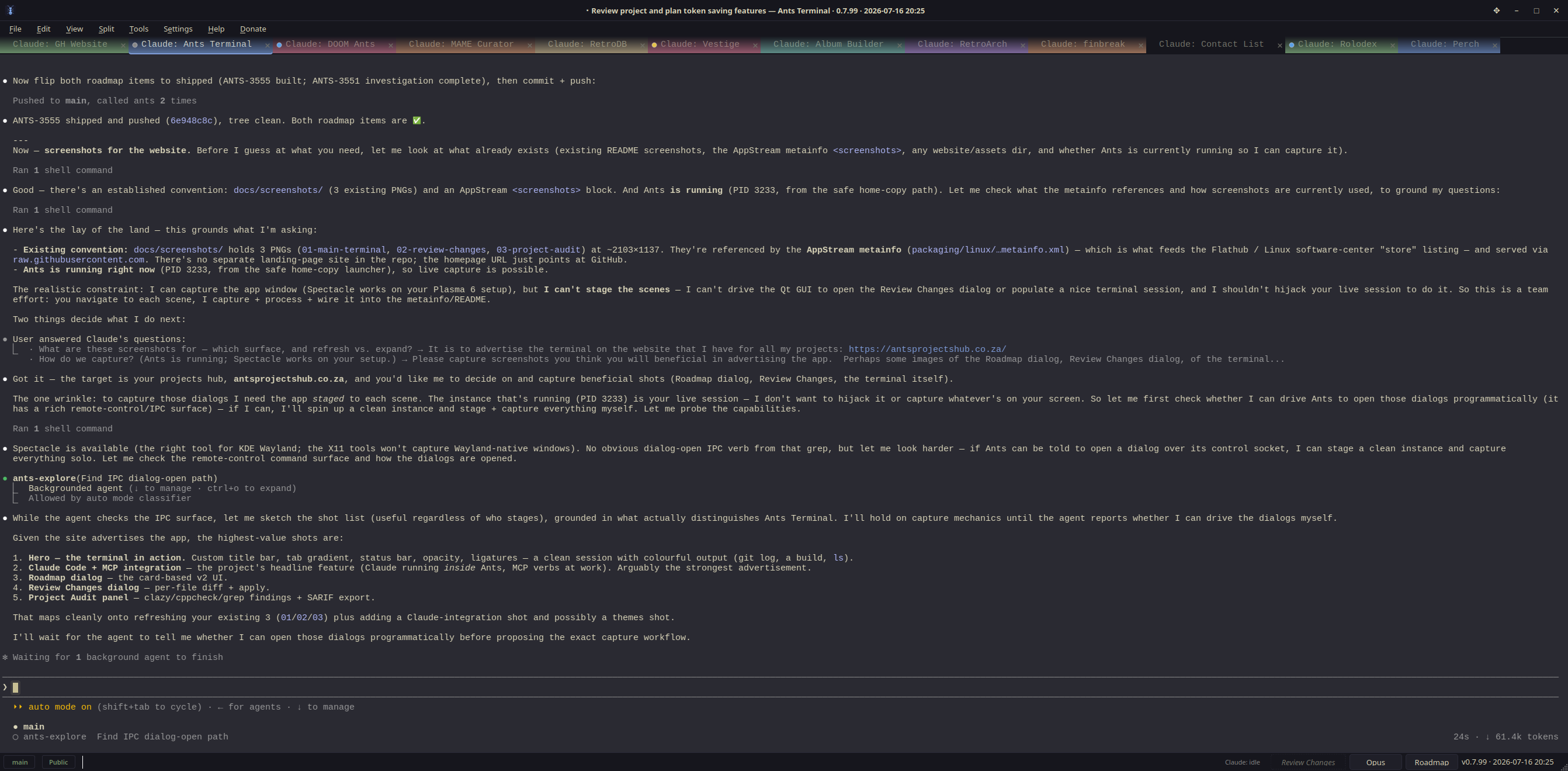
A fast, modern terminal that makes Claude Code cheaper and easier to use.

What is this?Why use it with Claude CodeInstallSettingsFor developers

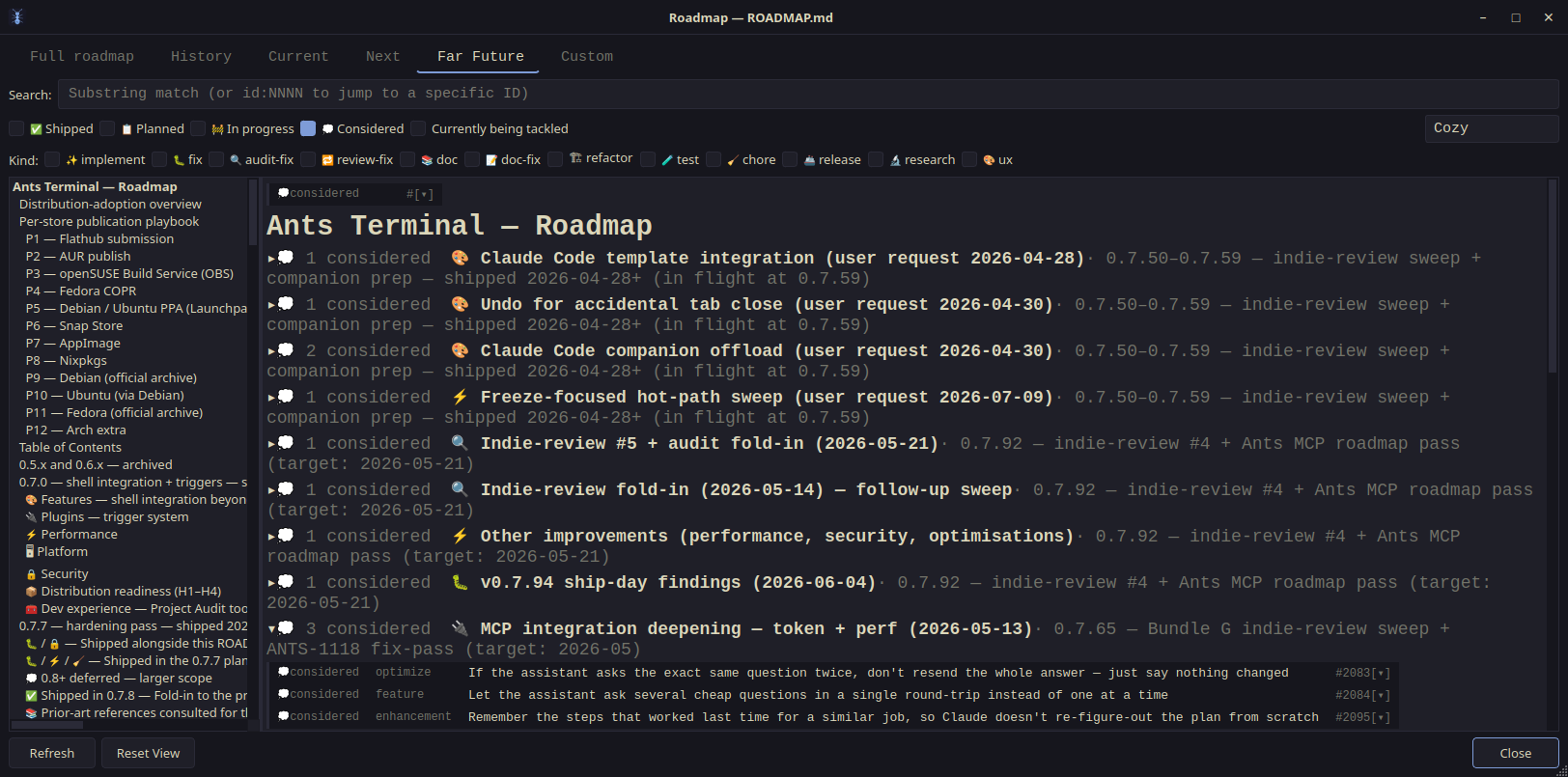
Version 0.7.98 · What's new · What's planned


What is this?

A terminal is the window where you type commands to your computer. Ants Terminal is a fast, good-looking one for Linux — but its real party trick is that it works hand-in-hand with Claude Code, Anthropic's AI coding assistant, to save you money and make sessions smoother.

It's built from scratch (the only thing it needs to run is Qt6), so it's quick and light, and everything it does for Claude happens on your own machine — nothing is sent anywhere.

Why use it with Claude Code

Claude Code charges by the token — think of a token as a small chunk of text it reads or writes. Every time Claude runs a command to look something up (checking what changed in your code, searching files, reading a long to-do list), it reads all that output, and you pay for it.

Ants Terminal answers a lot of those questions itself and hands Claude a short, tidy summary instead of a wall of text. Less text read means fewer tokens spent. Three things make that happen:

  • A built-in toolkit Claude can use. 58 ready-made tools that answer Claude's common questions directly — often saving thousands of tokens per question (more below).
  • Gentle nudges. An optional set of "hooks" quietly steers Claude toward the cheap built-in tools instead of the expensive long-hand commands.
  • A live view of what Claude is doing. The bar along the bottom shows Claude's status (thinking, editing, searching…) at a glance, and you can browse and resume past Claude sessions without leaving the terminal.

The built-in toolkit, in plain terms

Each tool replaces a slow, token-hungry command with one quick answer:

Instead of Claude… …it just asks for
scrolling back to re-read command output the recent output, errors, or last command
searching your whole project with grep matching lines, a file's outline, where a function is defined/used
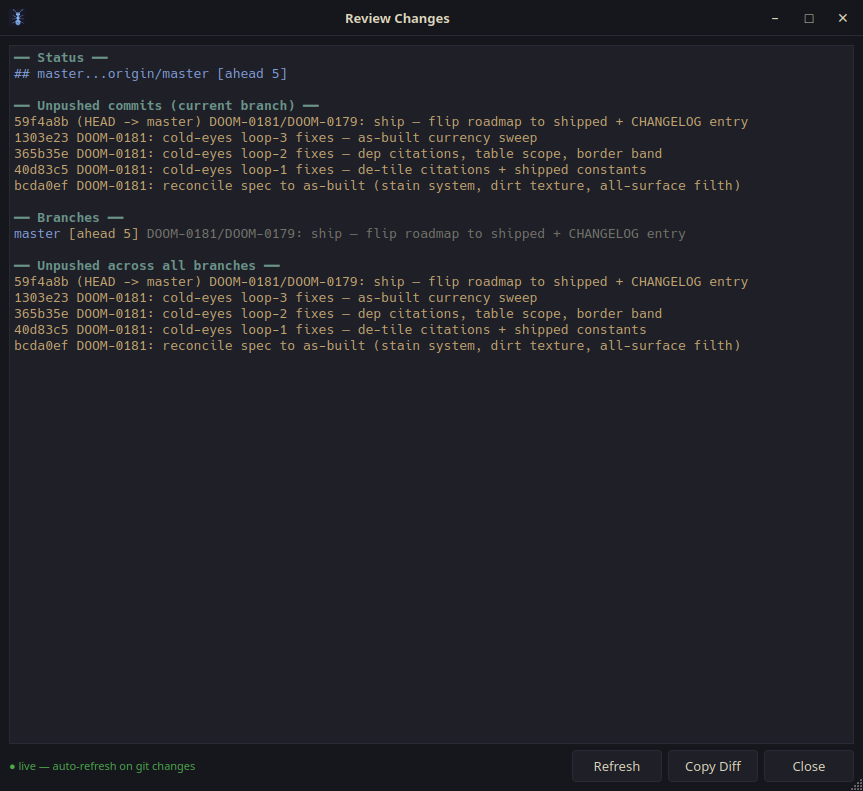
running several git commands your branch, recent commits, and changes in one go
reading a giant to-do / roadmap file only the items it needs
re-running builds and tests to read the logs the latest build/test results
running a pile of code-quality checkers by hand one combined report
reading a whole spec to learn the rules just that spec's checklist

You don't have to memorise any of this — Claude picks the right tool on its own once Ants Terminal is connected. There's even a counter (token_usage) that shows how many tokens the tools have saved you so far.

Living alongside Claude

  • See its status — the bottom bar shows what Claude is up to right now, plus how full its memory ("context") is getting.
  • Browse & resume sessions (Ctrl+Shift+J) — every Claude project and session, with a one-click resume, continue, or fork.
  • Edit permissions visually (Ctrl+Shift+L) — manage what Claude is allowed to do without hand-editing a settings file.
  • Paste a screenshot (Ctrl+Shift+V) — it's saved automatically and the file path is dropped into the prompt, so you can paste-and-send an image to Claude in one move.
  • Let Ants pick the Claude model for you (opt-in) — Ants quietly swaps Claude between a fast/cheap model for easy work and a big/slow one for hard work. It only ever switches between turns and before you start typing, so it never interrupts. Off by default; flip it on in Settings → General when you're ready.
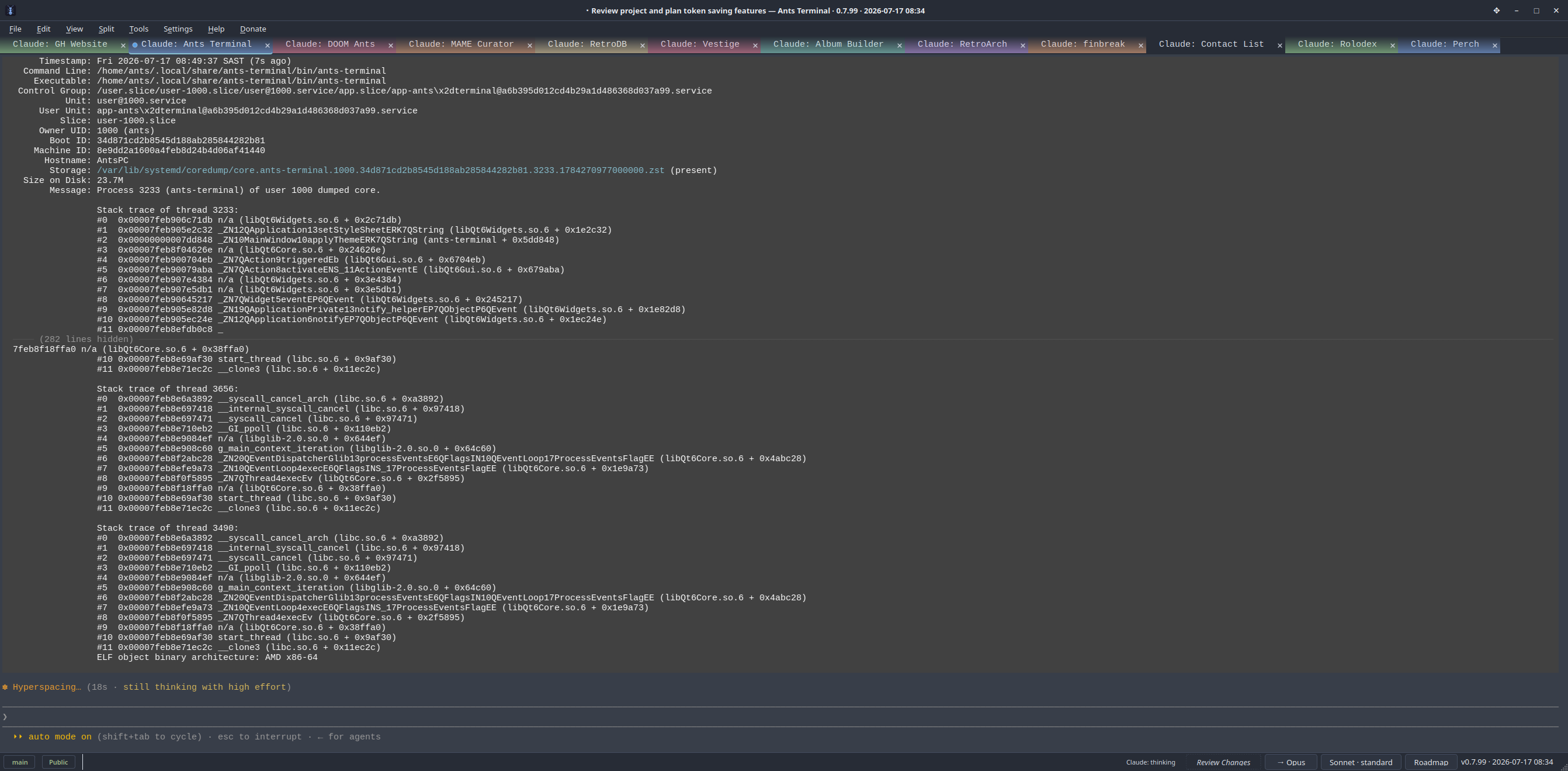
  • A small badge in the status bar shows the current Claude model + thinking level — so even when Ants is picking the model for you, you can see at a glance whether the focused tab is talking to Haiku/Sonnet/Opus and whether it's set to "standard", "think", "think hard", or "ultrathink". Each tab shows its own value.

Power users: the tools are Model Context Protocol tools in the mcp__ants__* namespace, and the hook pack installs with tools/install-hooks.sh. Details in CLAUDE.md.

It's also a great terminal

Even with Claude out of the picture, it's a fast, capable terminal:

  • Opens your normal shell (bash, zsh, …) with full colour and Unicode, and handles full-screen programs like vim, htop, and less.
  • Programming-font ligatures, italics, fancy underlines, and emoji.
  • Inline images — show pictures and charts right in the terminal.
  • Find things fast — search your history (Ctrl+Shift+F), a command palette to run any action (Ctrl+Shift+P), and a "hint mode" that lets you open any link or file path on screen with a keypress (Ctrl+Shift+G).
  • Click links and file paths to open them.
  • Handy editors — a pop-out box for writing long multi-line commands, and a saved-snippets library for ones you reuse.
  • Remembers your session — your scrollback can be restored next launch.
  • Looks the way you like — 11 built-in colour themes, adjustable see-through background, and automatic dark/light switching.
  • Plugins — extend it with small Lua scripts (PLUGINS.md).
  • Built-in code checker — Tools → Project Audit runs popular code-quality tools and shows the results in one place.

(Full keyboard shortcuts are in the command palette, Ctrl+Shift+P. The list of supported terminal codes is in docs/escape-sequences.md.)

Install

The easy way (Linux, 64-bit)

Grab the ready-to-run AppImage from the Releases page — download it, make it executable, and run it:

chmod +x Ants_Terminal-*-x86_64.AppImage
./Ants_Terminal-*-x86_64.AppImage

It works on most recent Linux distributions and bundles everything it needs. Your settings live in ~/.config/ants-terminal/.

Build it yourself

You'll need a C++ compiler, Qt6, CMake, and (optionally) Lua 5.4:

# openSUSE:  sudo zypper install qt6-base-devel cmake gcc-c++ lua54-devel
# Ubuntu:    sudo apt install qt6-base-dev libqt6opengl6-dev cmake g++ liblua5.4-dev
# Fedora:    sudo dnf install qt6-qtbase-devel cmake gcc-c++ lua-devel
# Arch:      sudo pacman -S qt6-base cmake gcc lua

git clone https://github.com/milnet01/ants-terminal.git
cd ants-terminal
cmake -G Ninja -B build && cmake --build build
./build/ants-terminal

Use Ninja (as above), not plain make — it keeps the build from using too much memory. To install system-wide: sudo cmake --install build. More build options are in CONTRIBUTING.md.

Settings

Open Settings from the menu, or edit ~/.config/ants-terminal/config.json directly (it's saved so only you can read it). Common things to change:

Setting What it does
Theme Pick from 11 colour schemes (View → Themes)
Font size 4–48 points
Opacity How see-through the background is
Scrollback How much history to keep (up to 1,000,000 lines)
AI assistant Connect a local or cloud AI for the built-in chat (Ctrl+Shift+A)

Privacy & security

  • Your settings file and any saved keys are readable only by you.
  • It makes no network connections unless you set up the optional AI chat.
  • The link Claude Code talks to is locked to your user account.
  • Plugins run in a locked-down sandbox and can't freeze the terminal.
  • Full details in SECURITY.md.

For developers

Ants Terminal is a from-scratch VT100/xterm terminal in C++/Qt6 with no terminal-library dependencies. The architecture, the per-subsystem map (also served live via the subsystem MCP tool), and the build/MCP authoring contracts live in CLAUDE.md and docs/standards/. Specs are in docs/specs/, decision records in docs/decisions/.

Before contributing, read CONTRIBUTING.md and CODE_OF_CONDUCT.md; report security issues via SECURITY.md.

cmake -G Ninja -B build && cmake --build build && ctest --test-dir build --output-on-failure

License

MIT License — Copyright (c) 2026 Ants Terminal Contributors